Modeling & Materials

Weekly Design Challenge Template

Jielin Zhang


Module 1


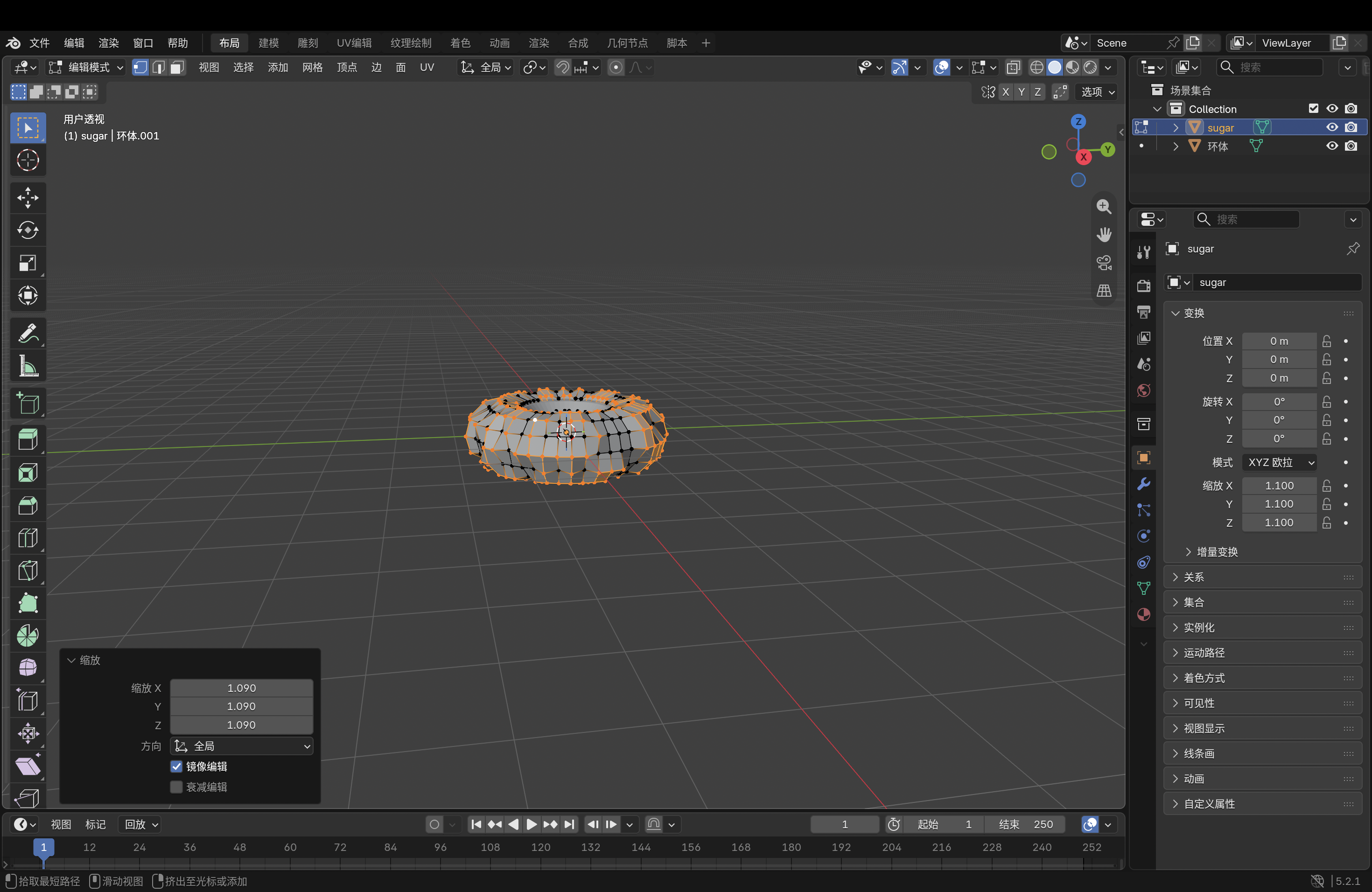
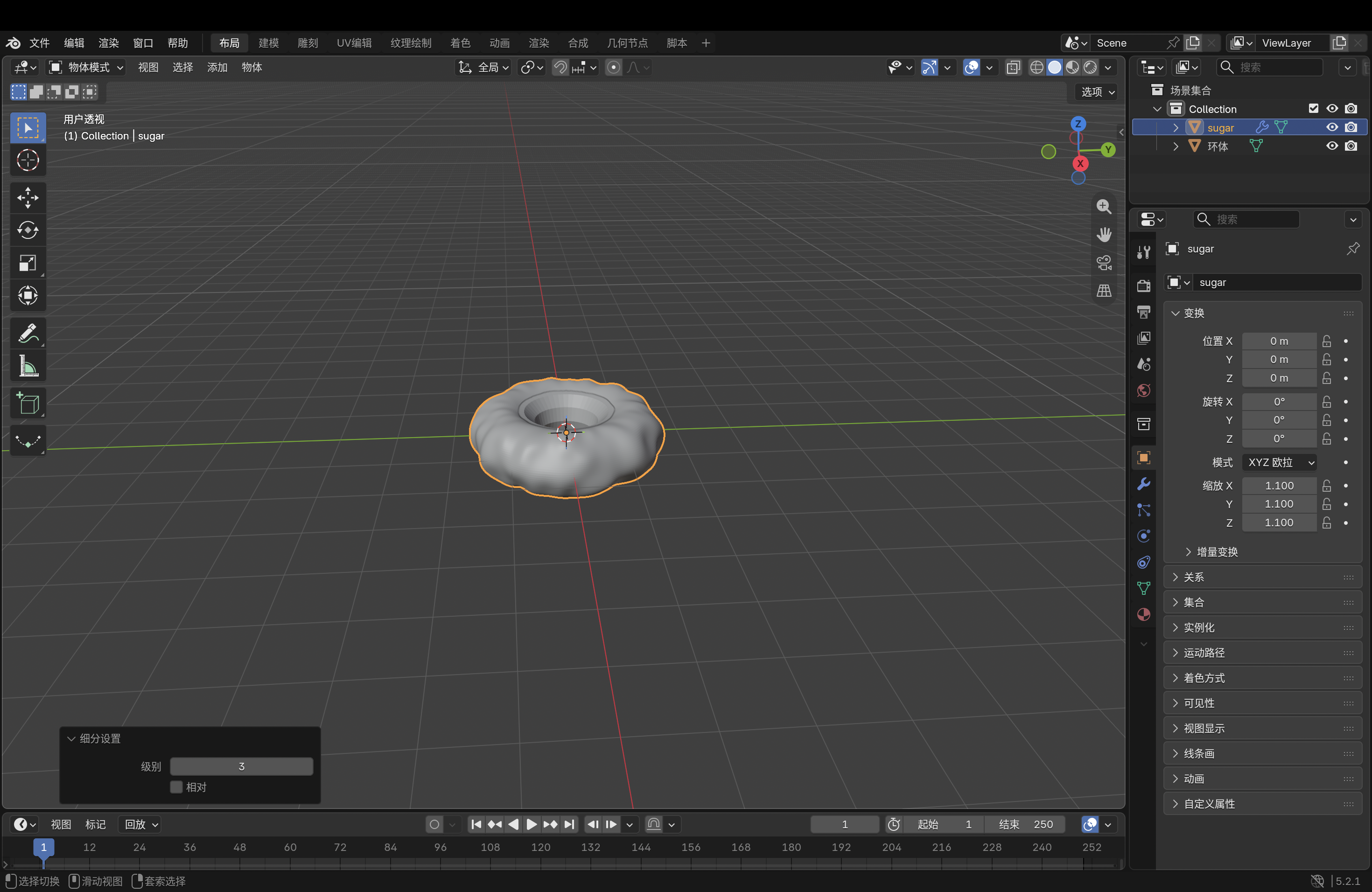
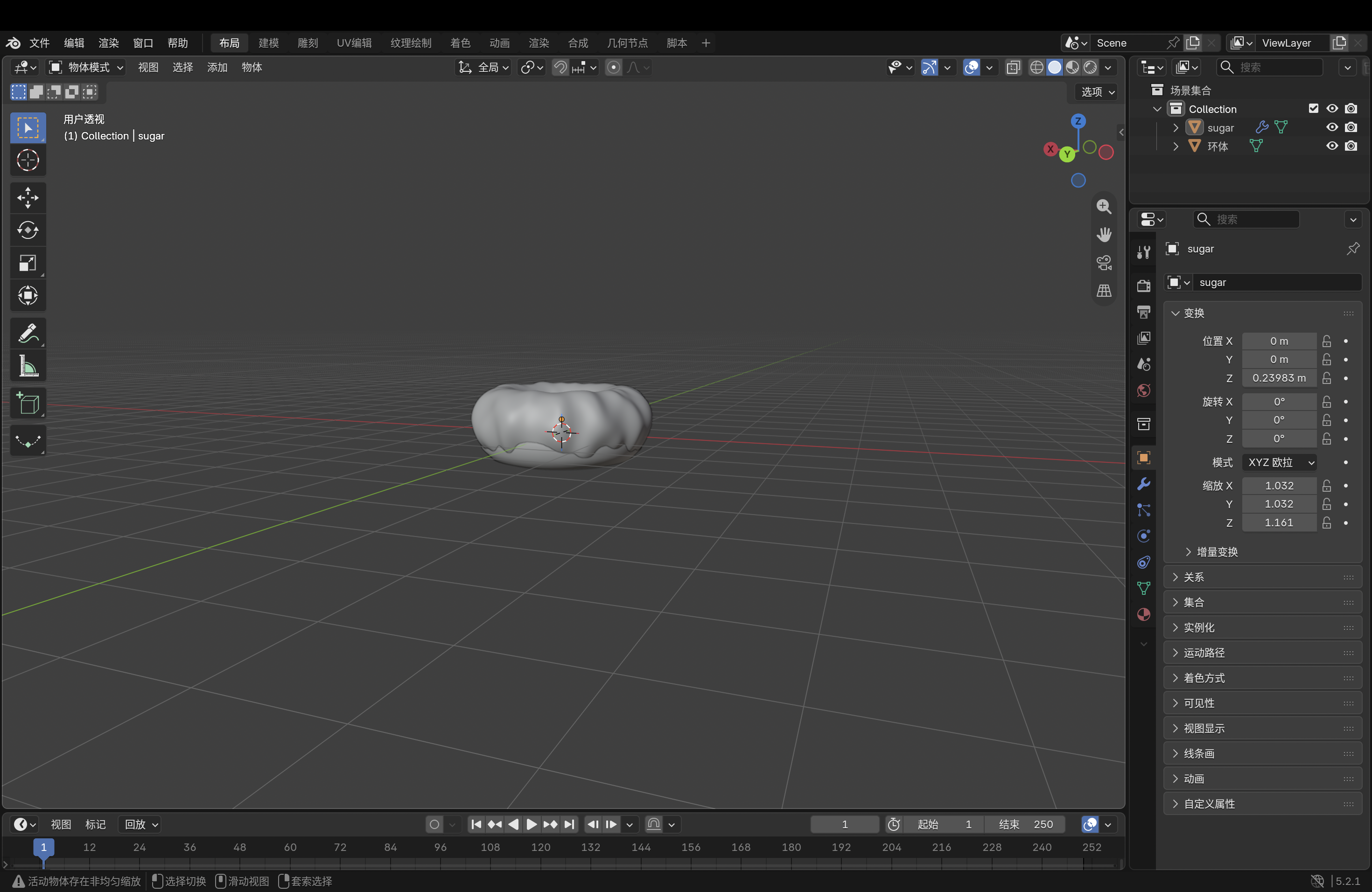
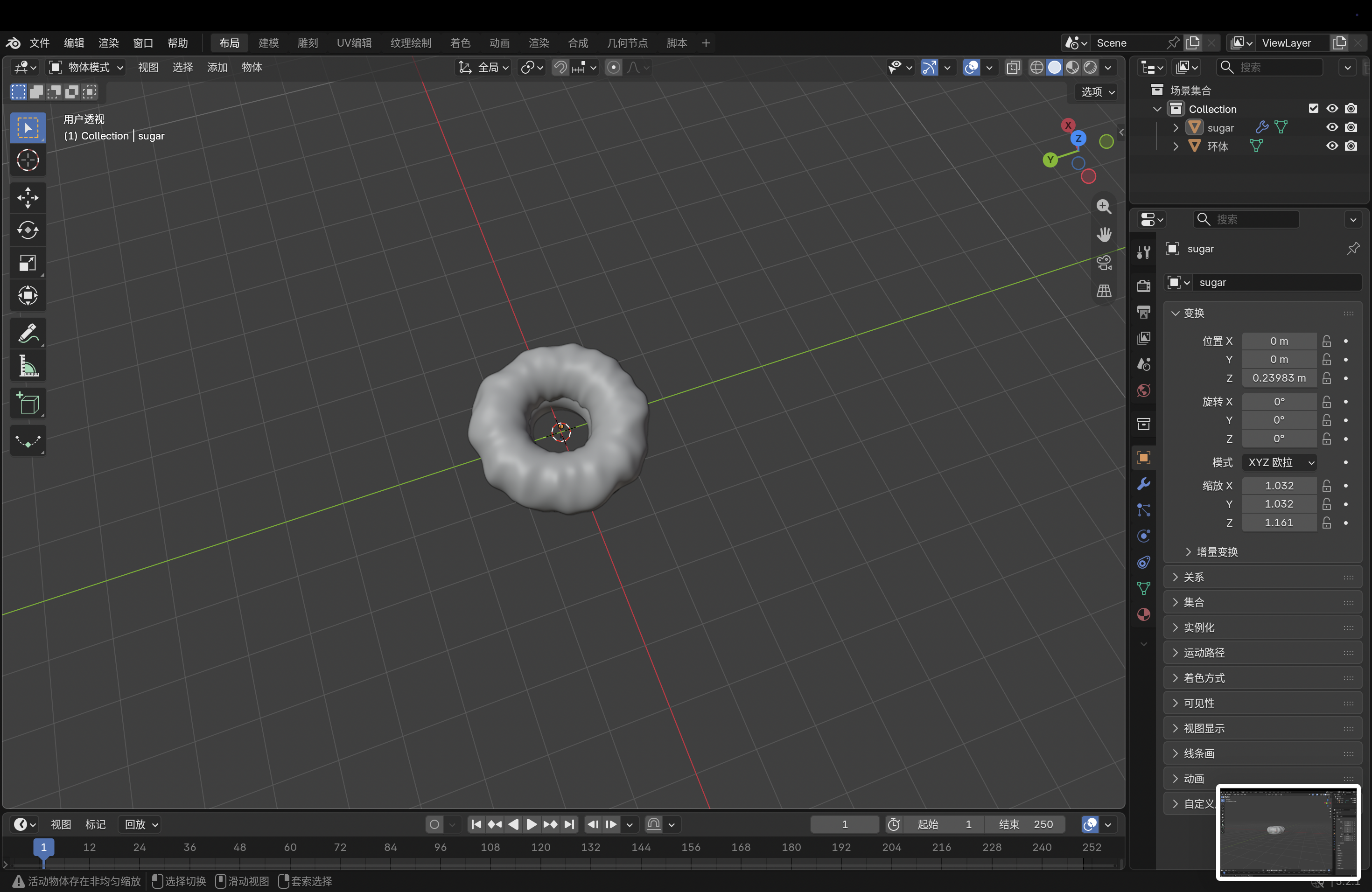
In Module 1, I practiced developing simple 3D shapes into recognizable objects. Design Challenge 1 records my initial modelling work, and Design Challenge 2 documents how I built and refined a Coca-Cola can in Blender.

Design Challenge 1
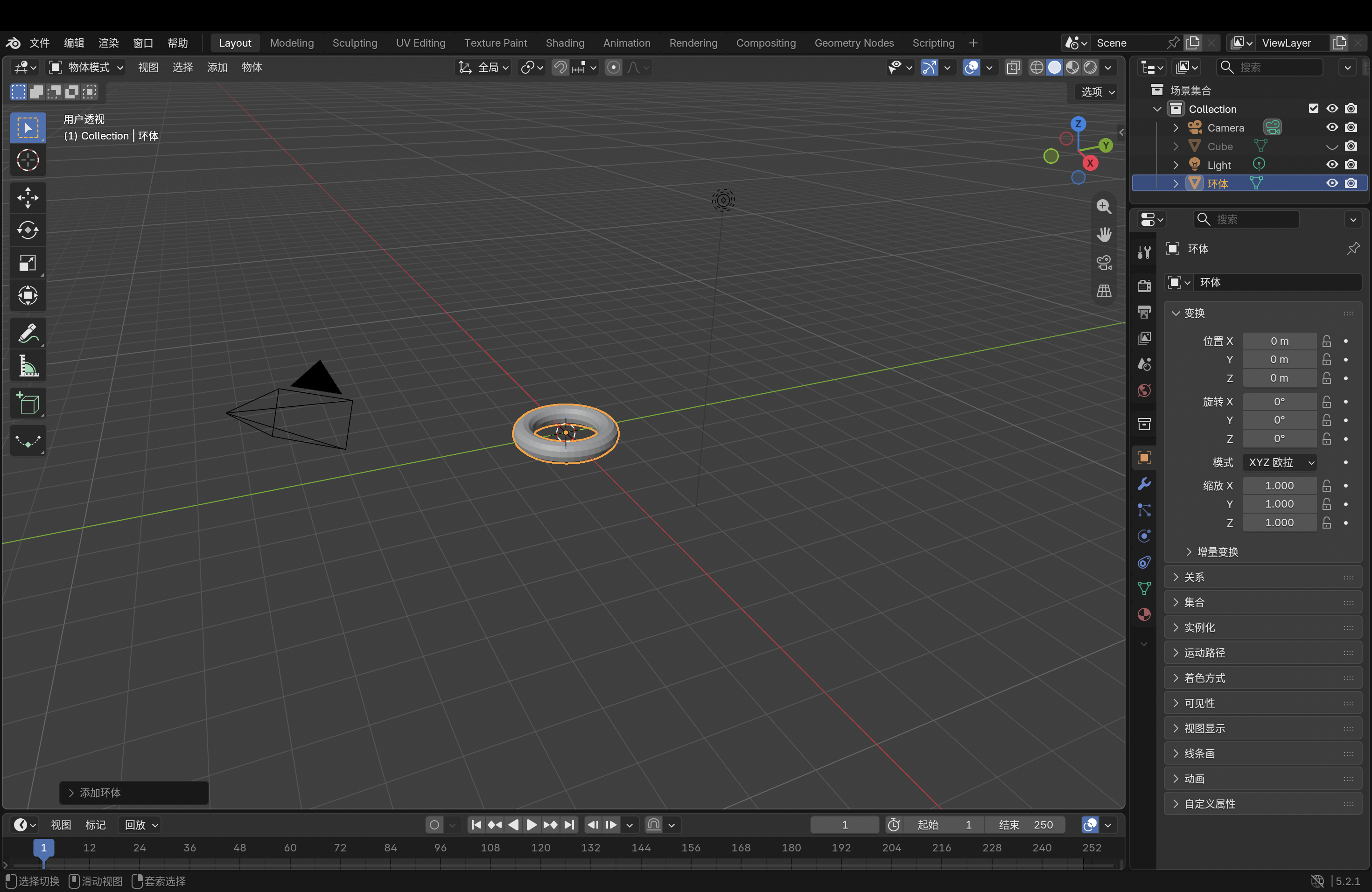
1.png 2.png 3.png 4.png 5.png 6.png 7.png 8.png 9.png 10.png 11.png 12.png 13.png 14.png 15.png 16.png 17.png 18.png 19.png 20.jpg 21.jpg 22.png 23.png 24.png 25.png

Design Challenge 2

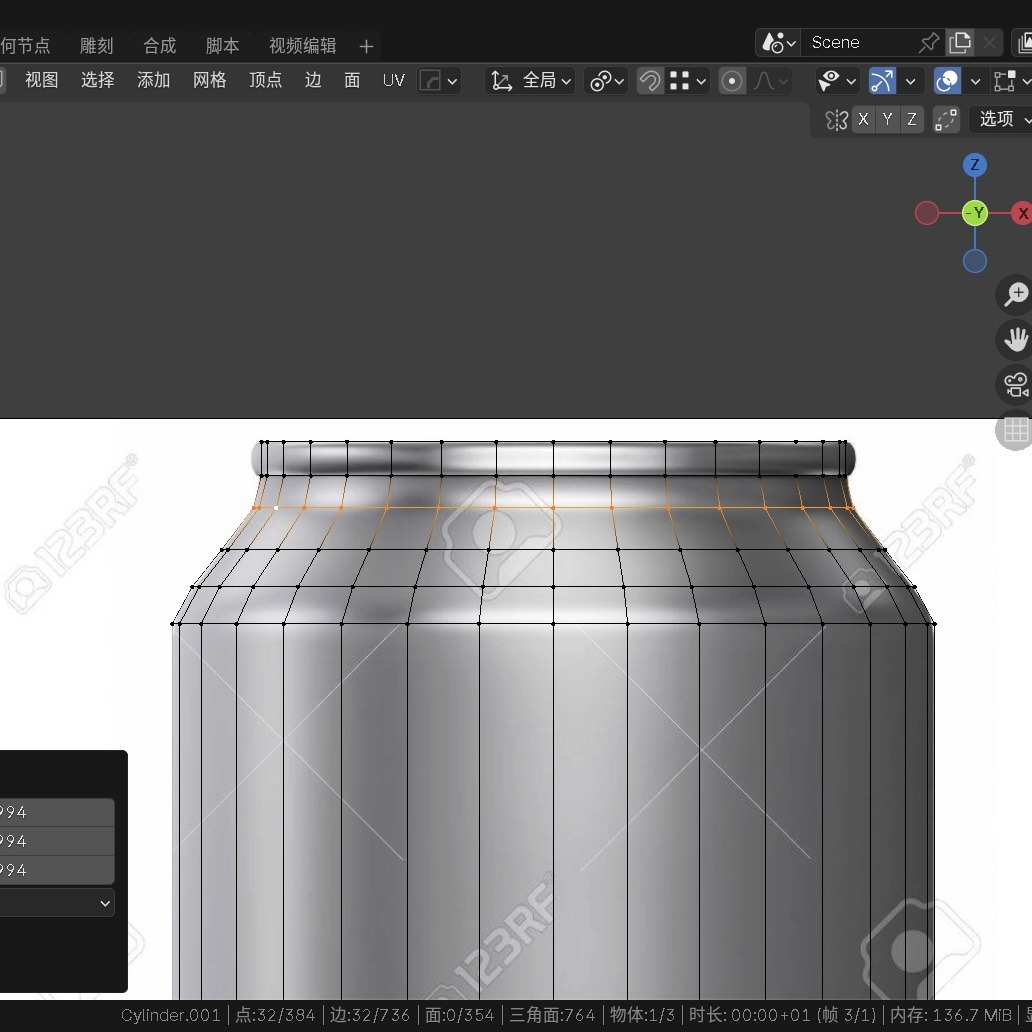
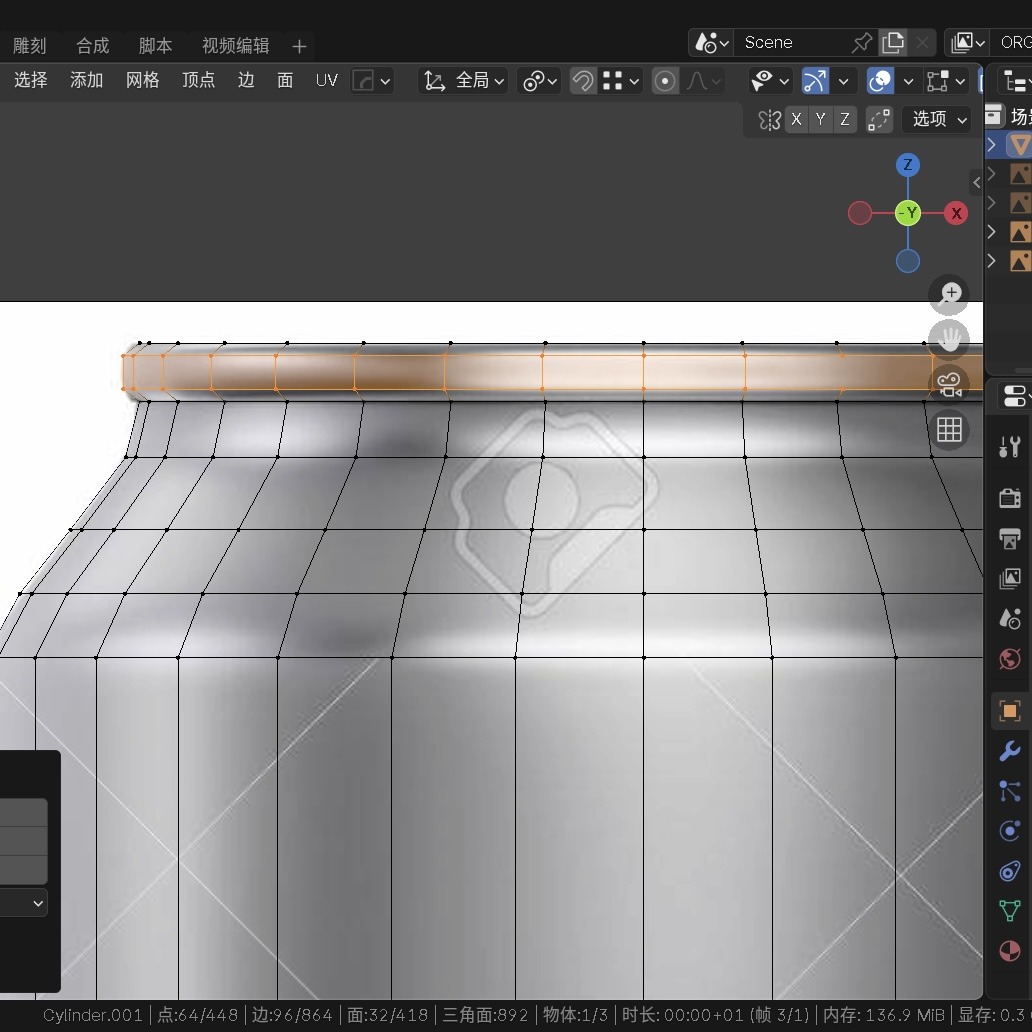
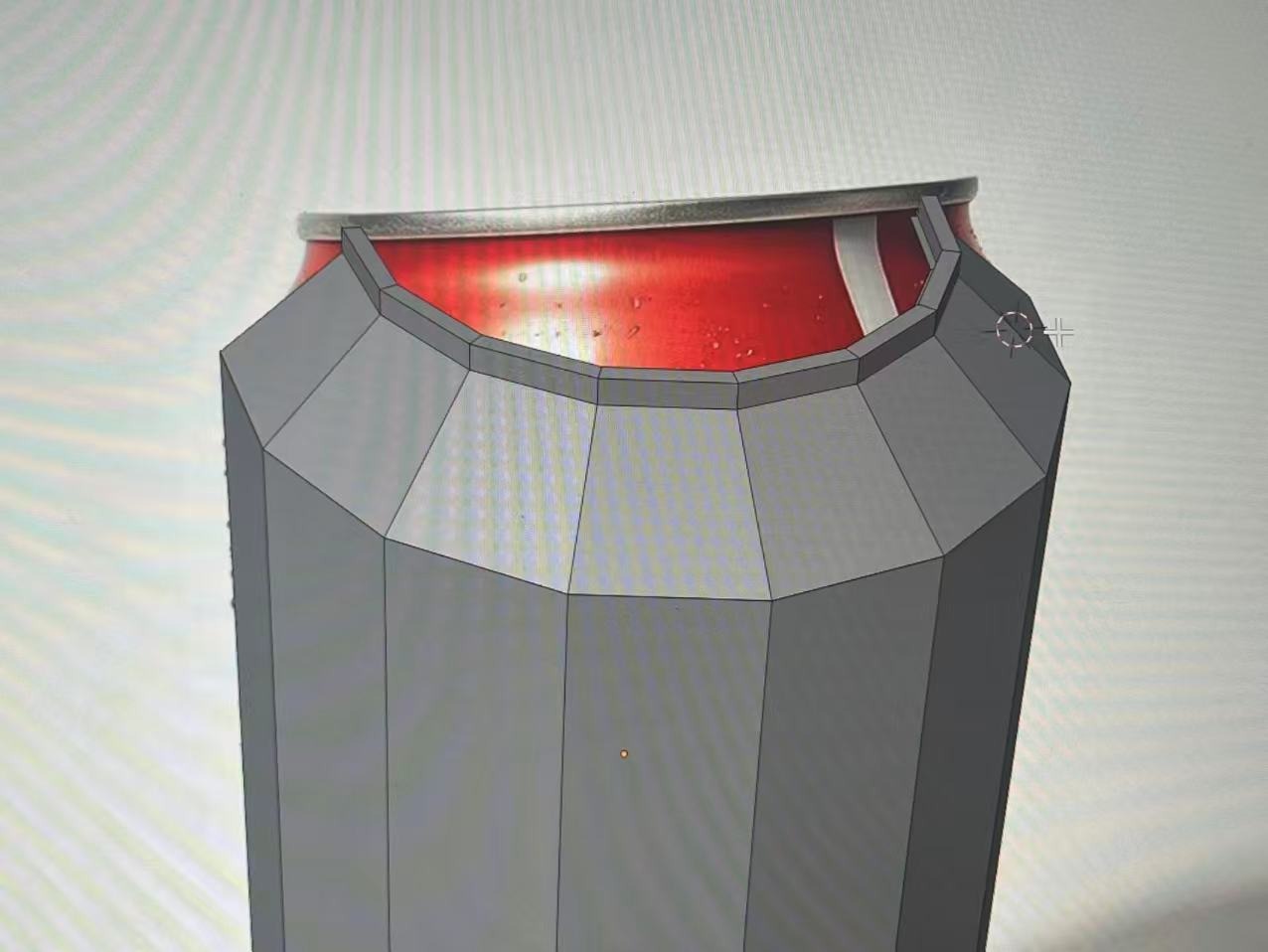
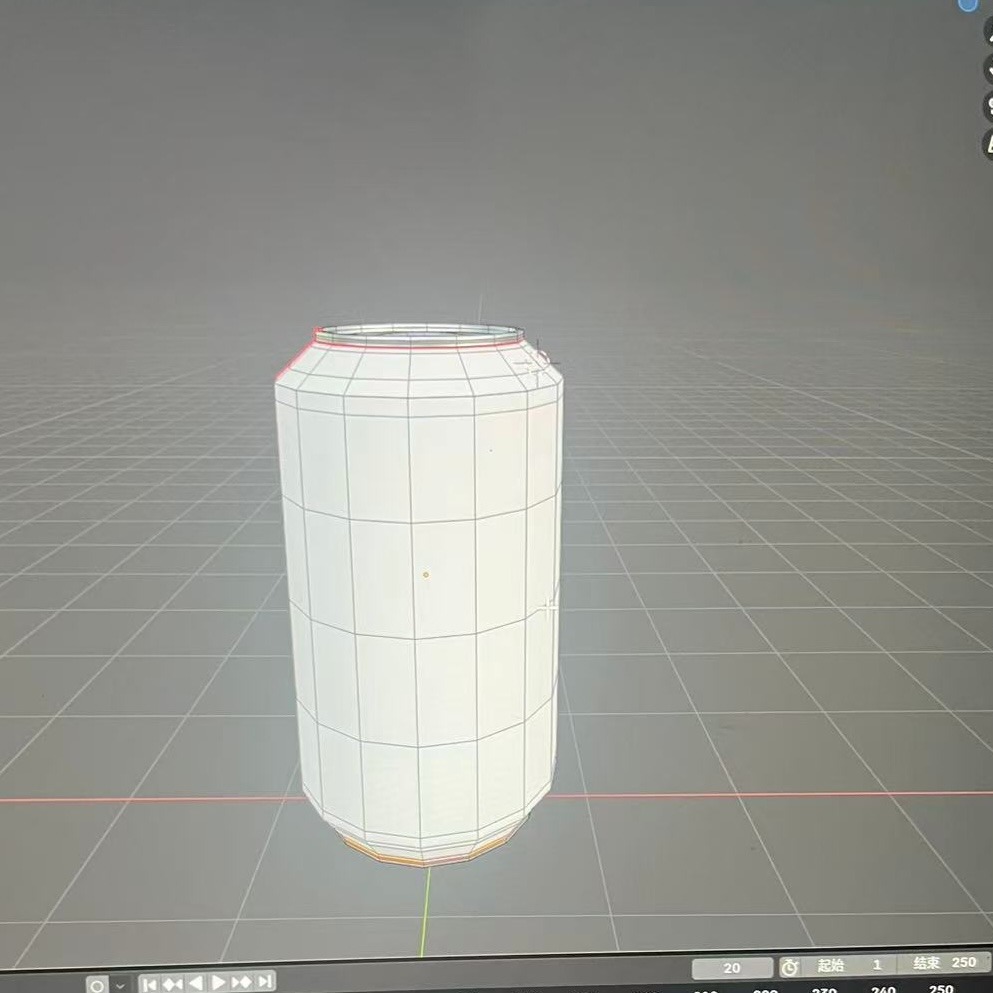
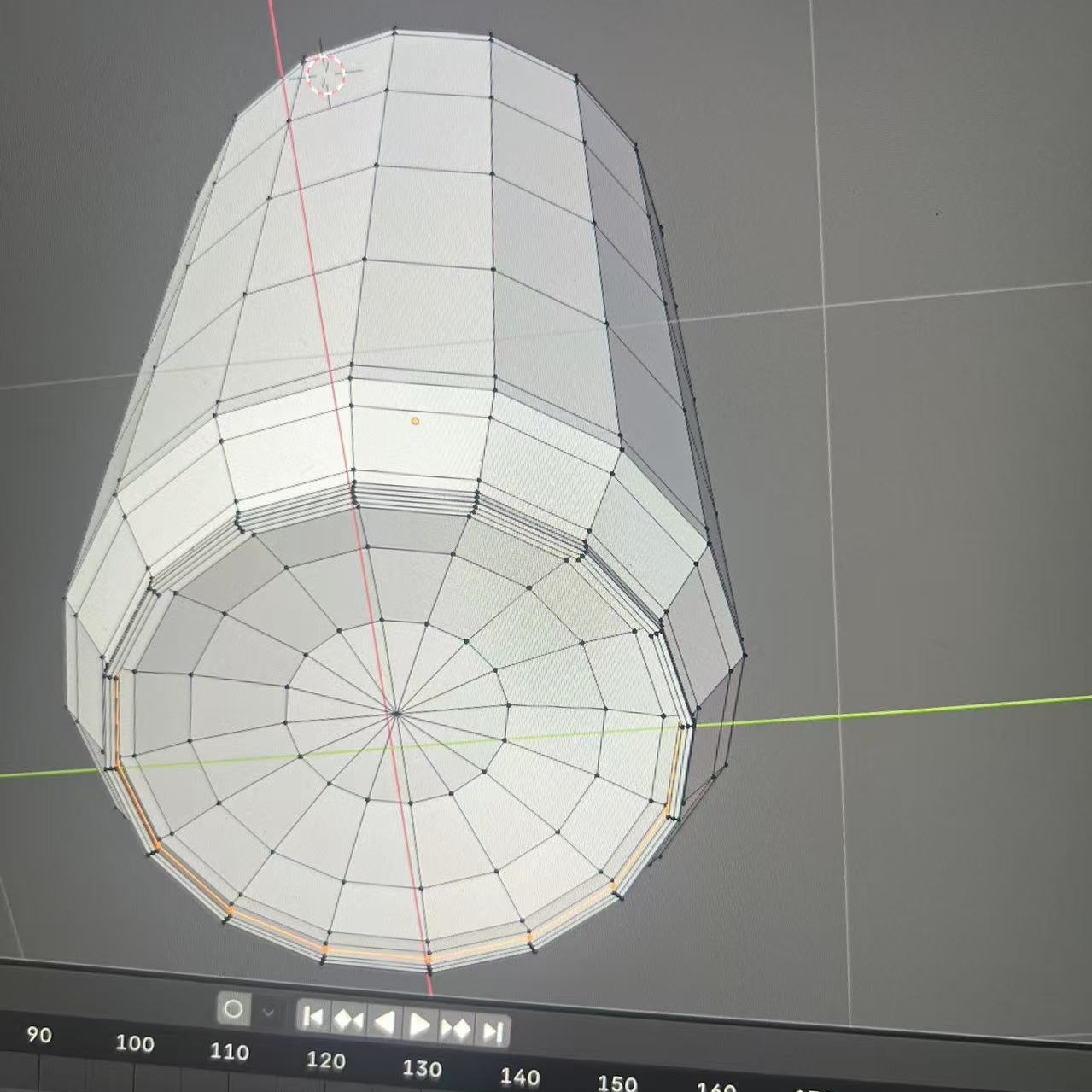
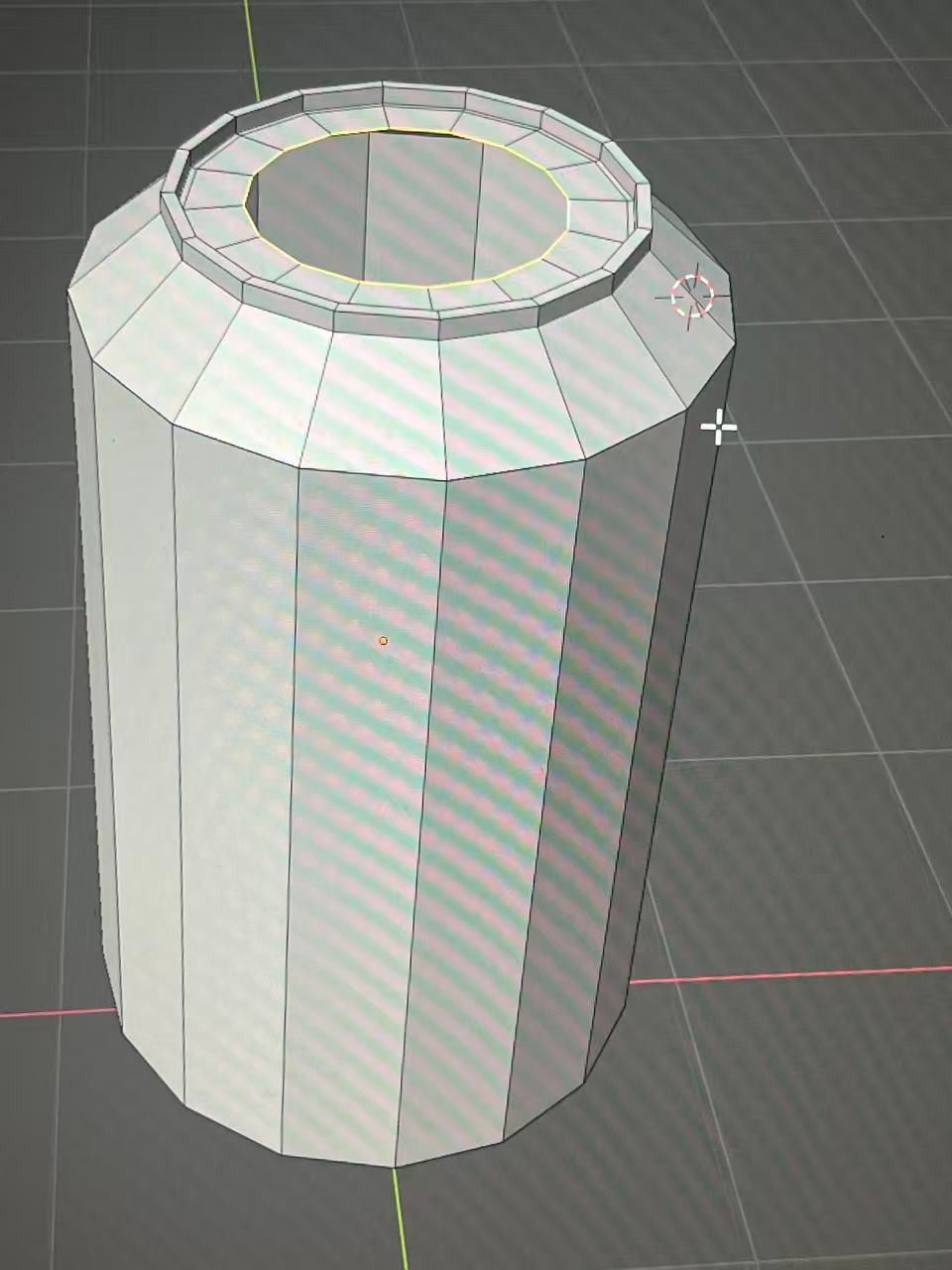
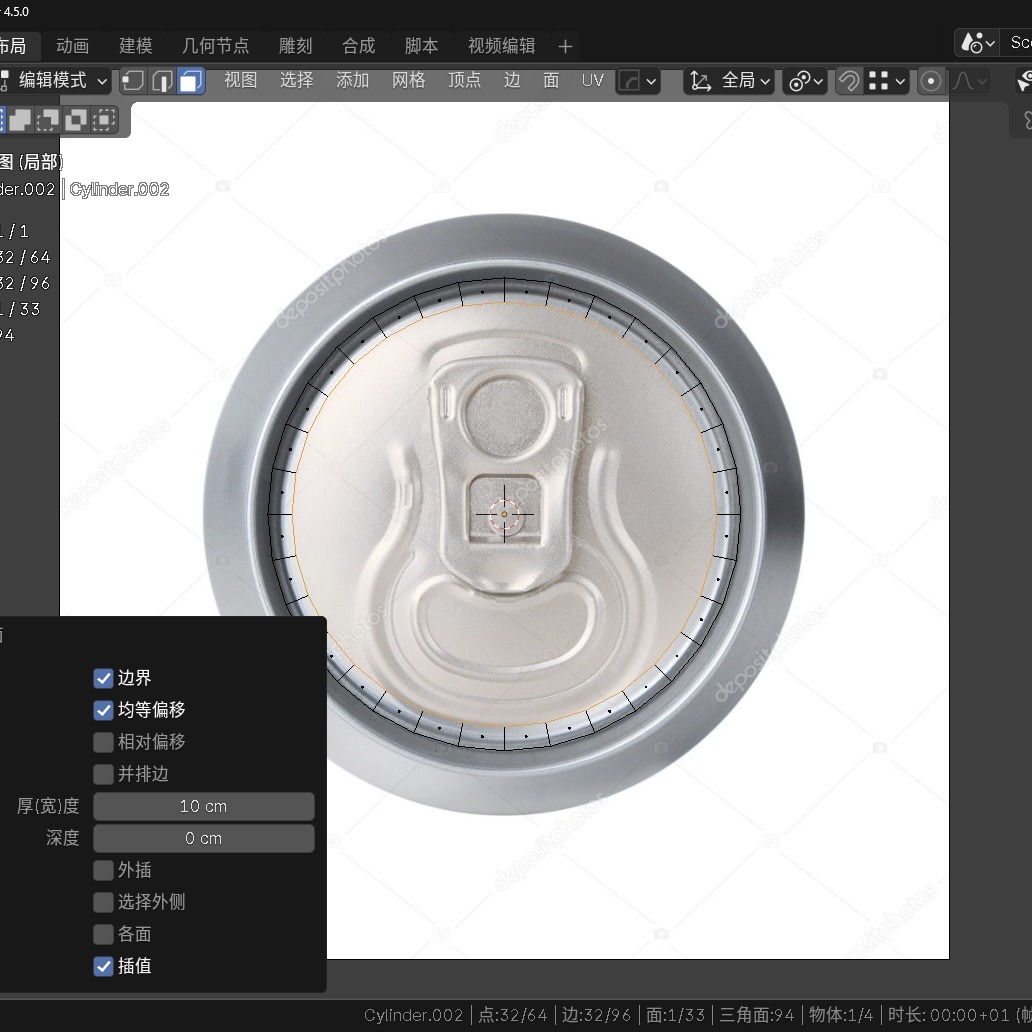
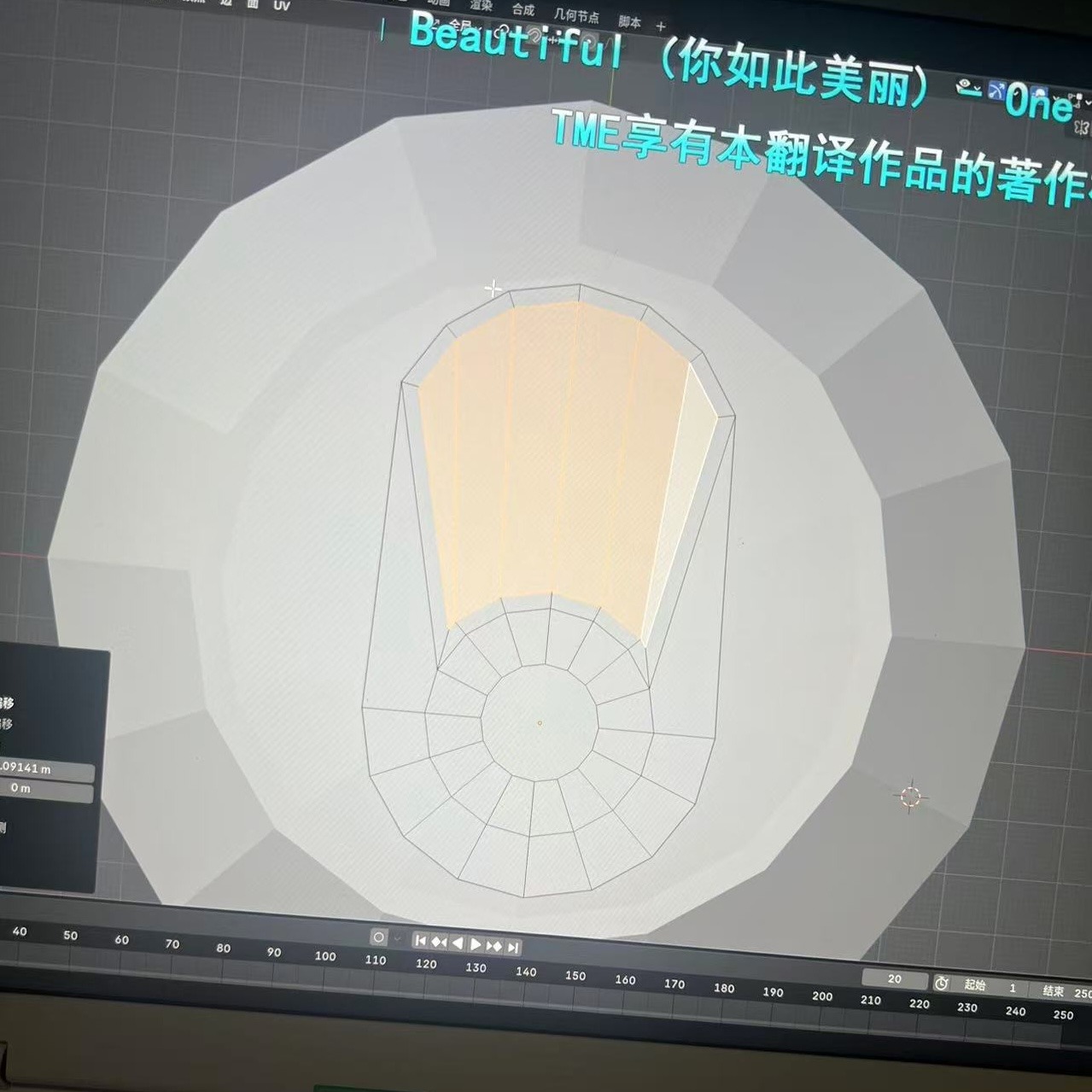
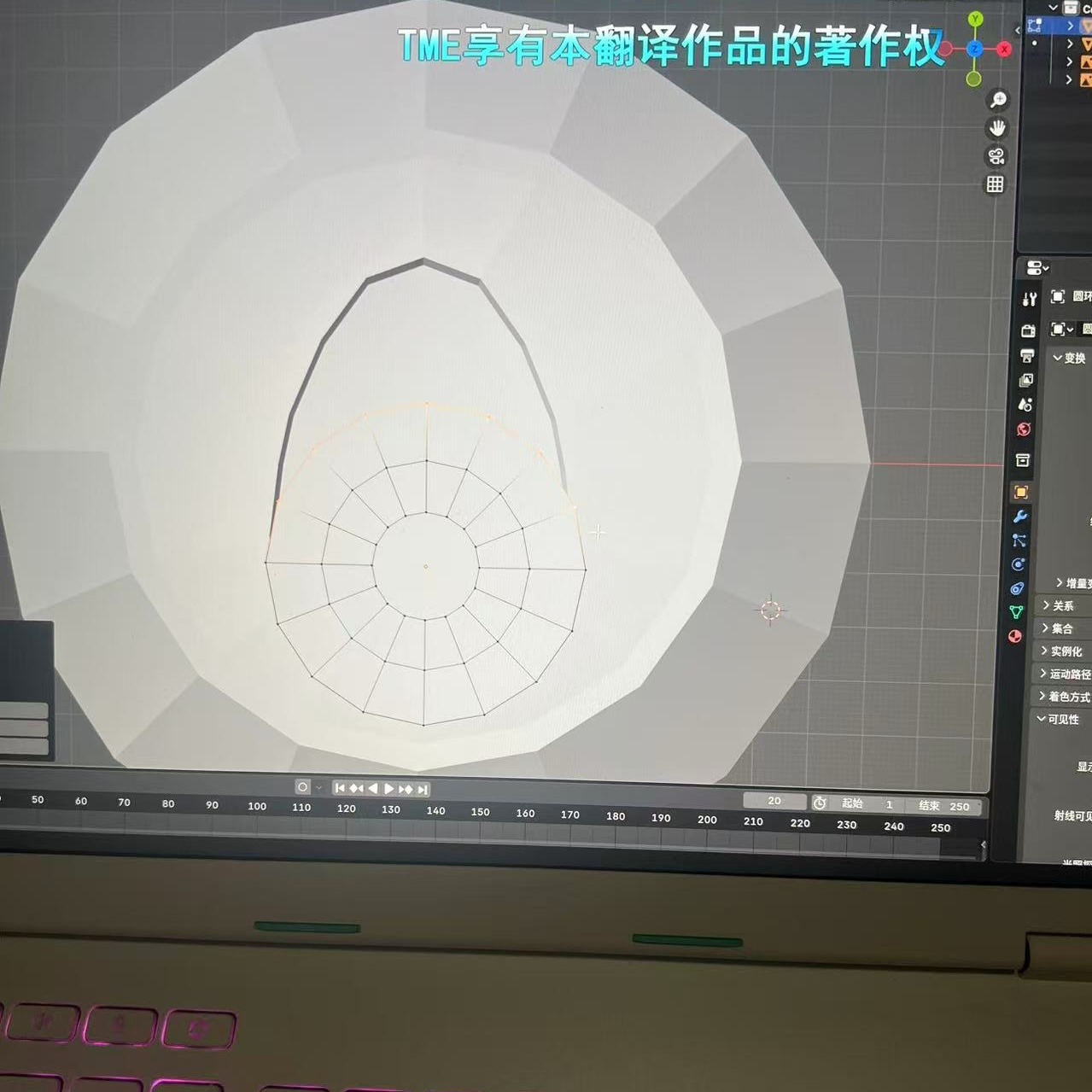
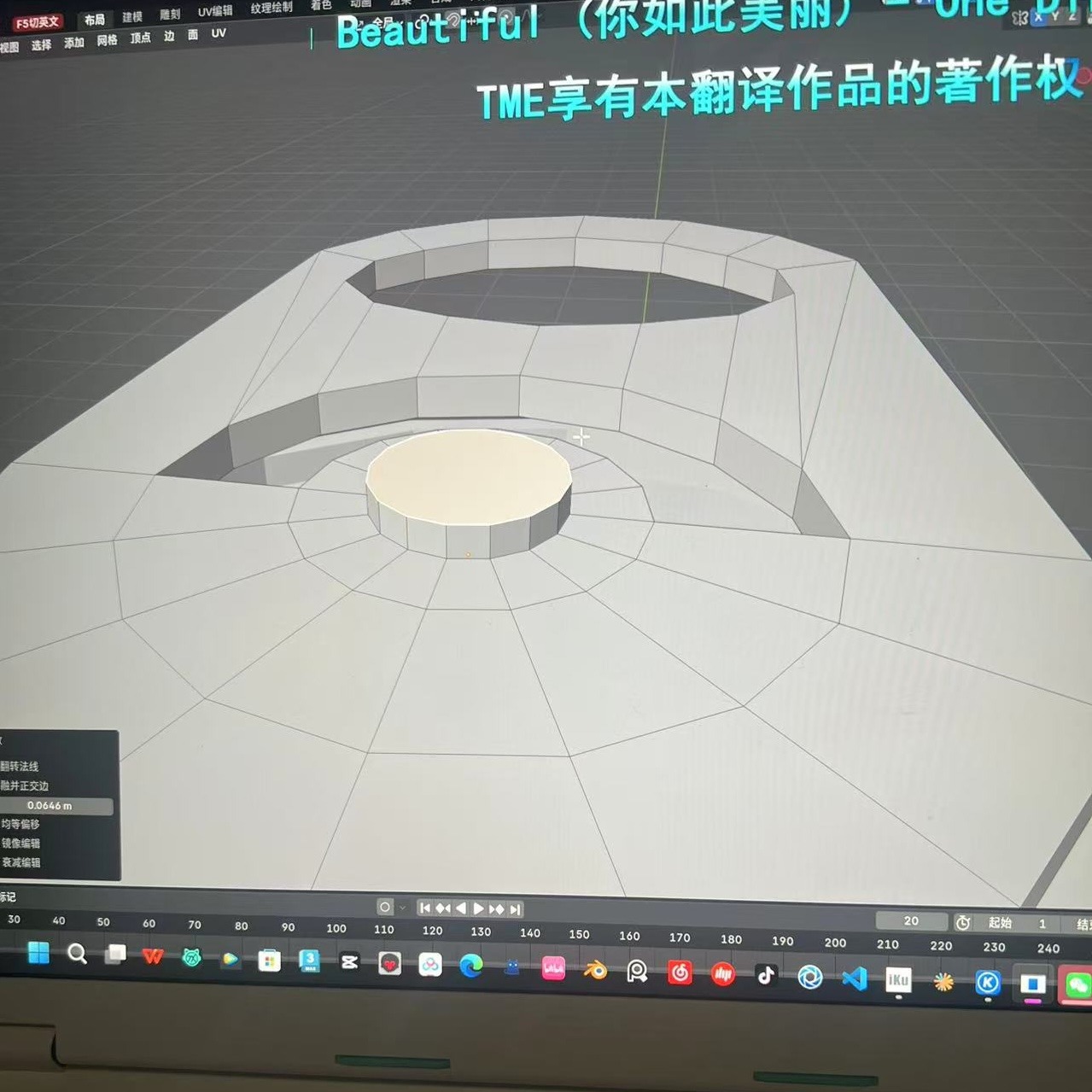
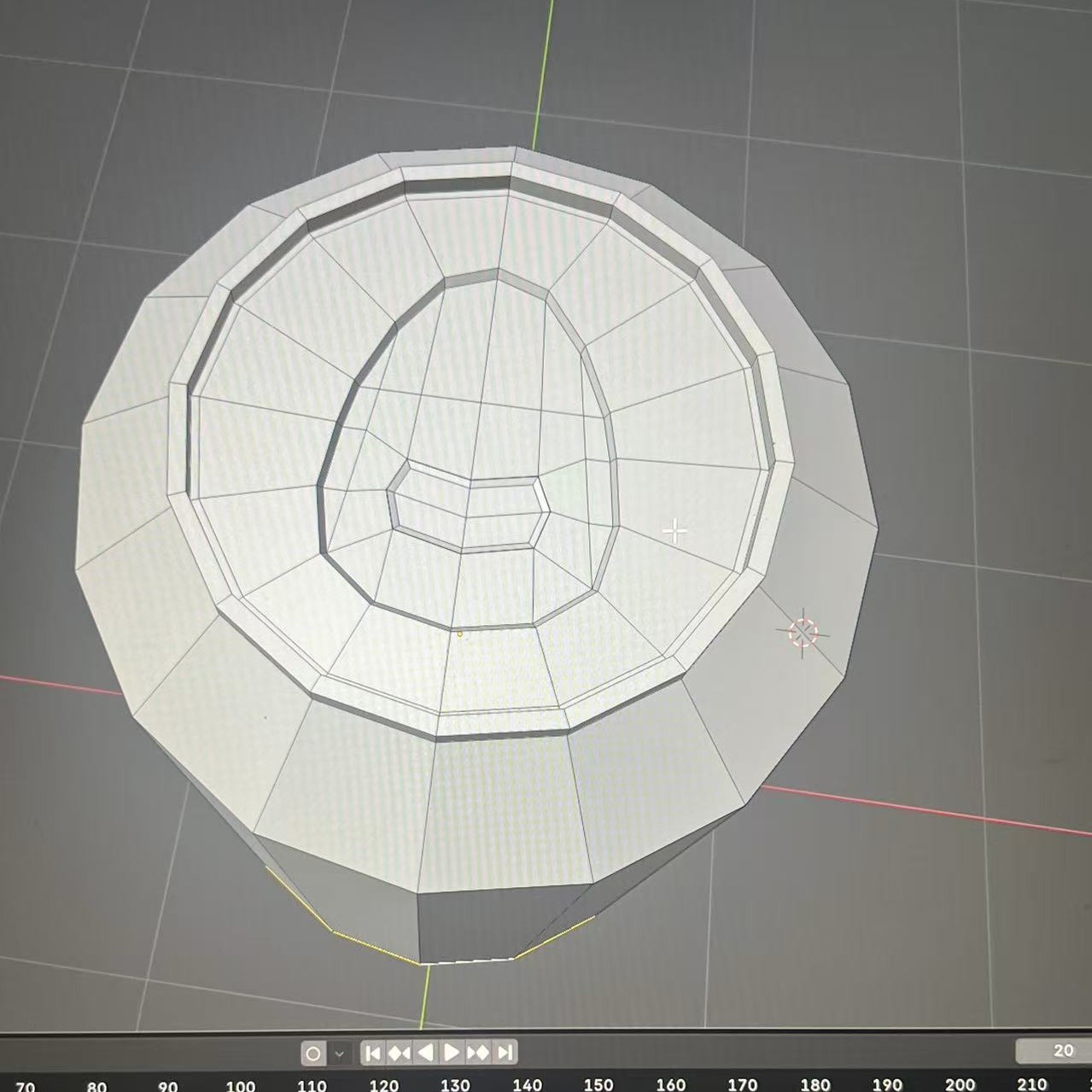
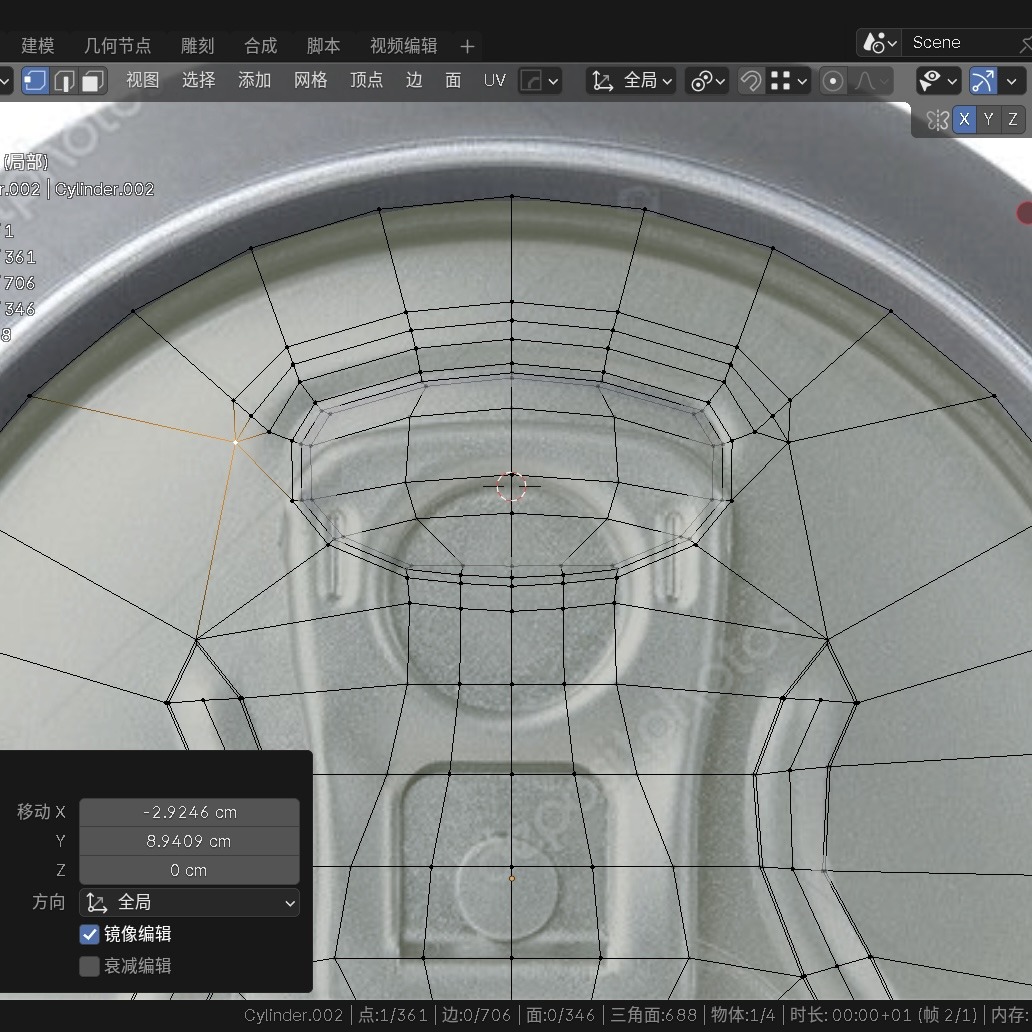
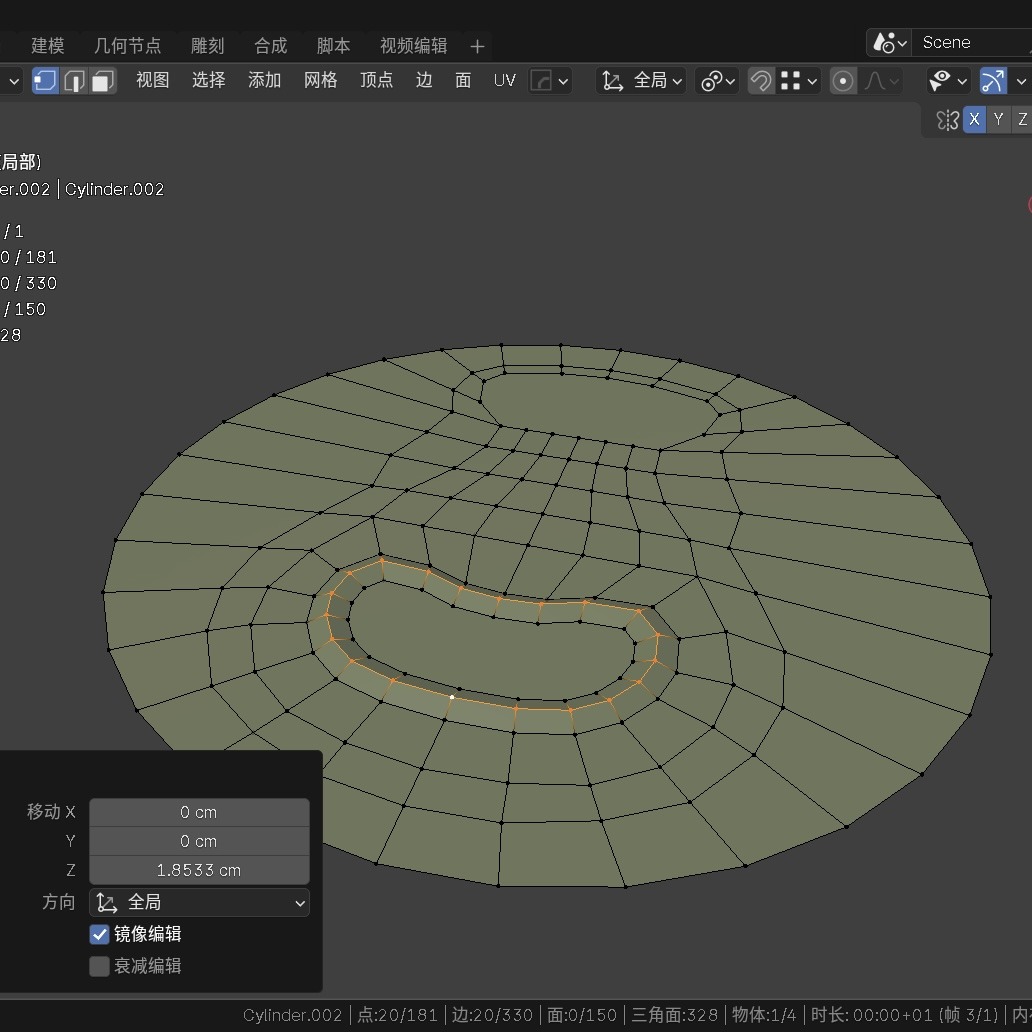
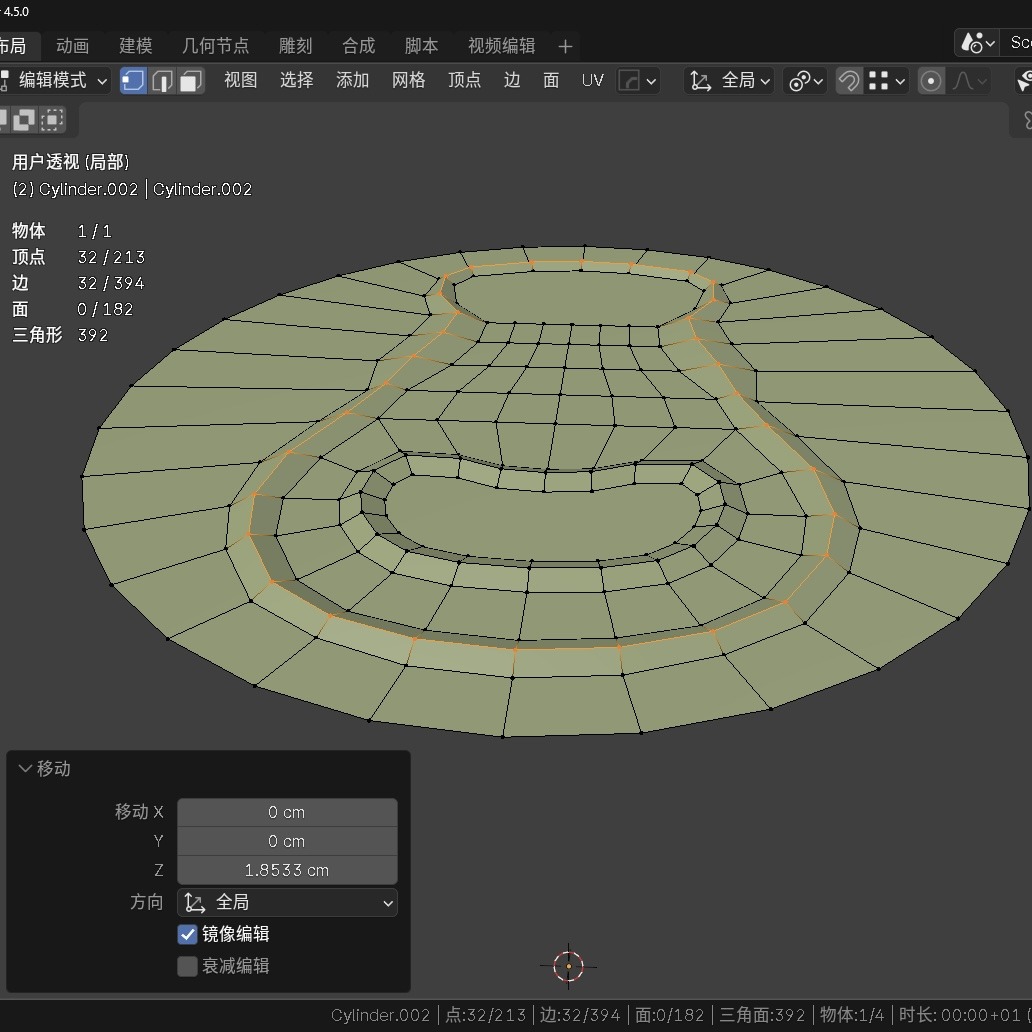
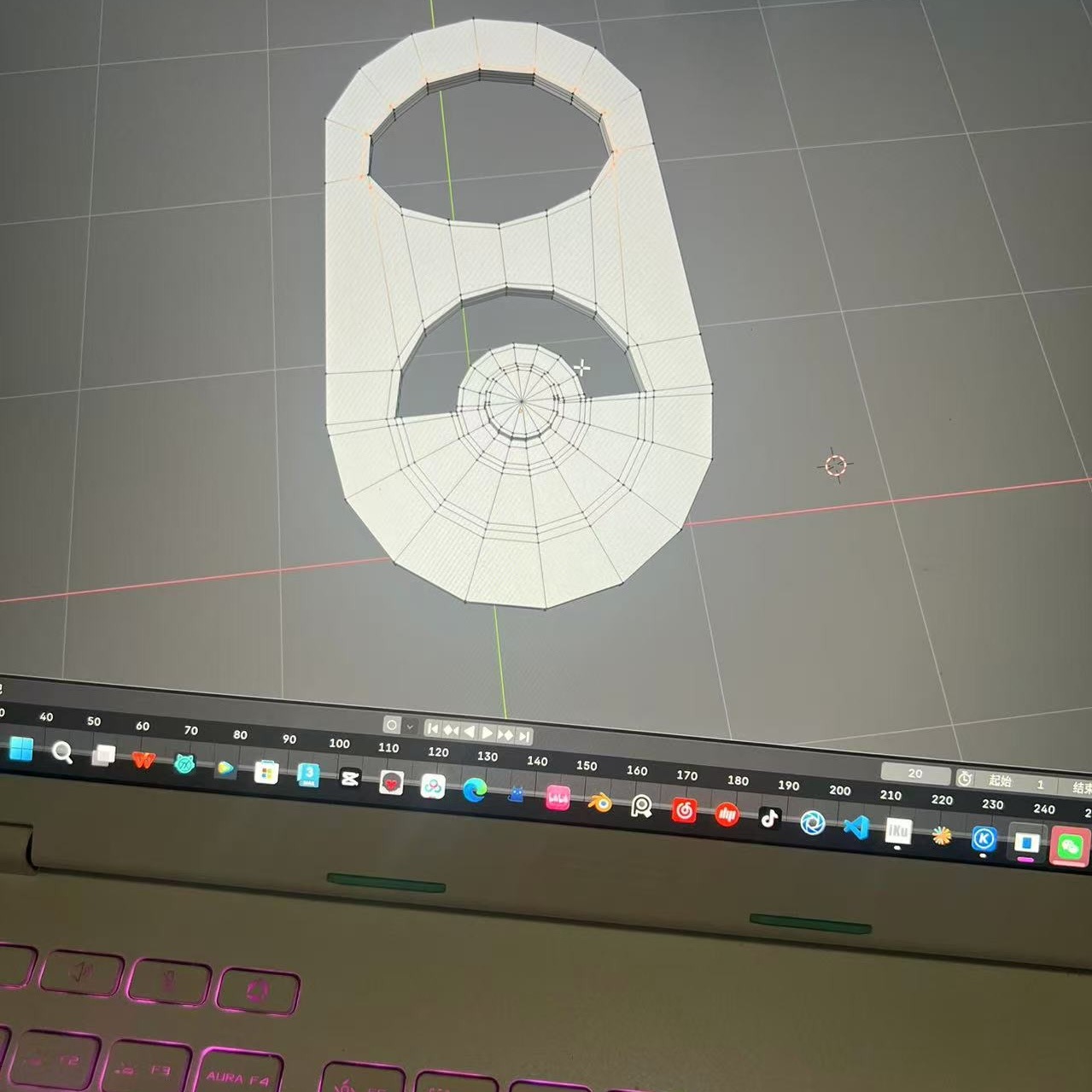
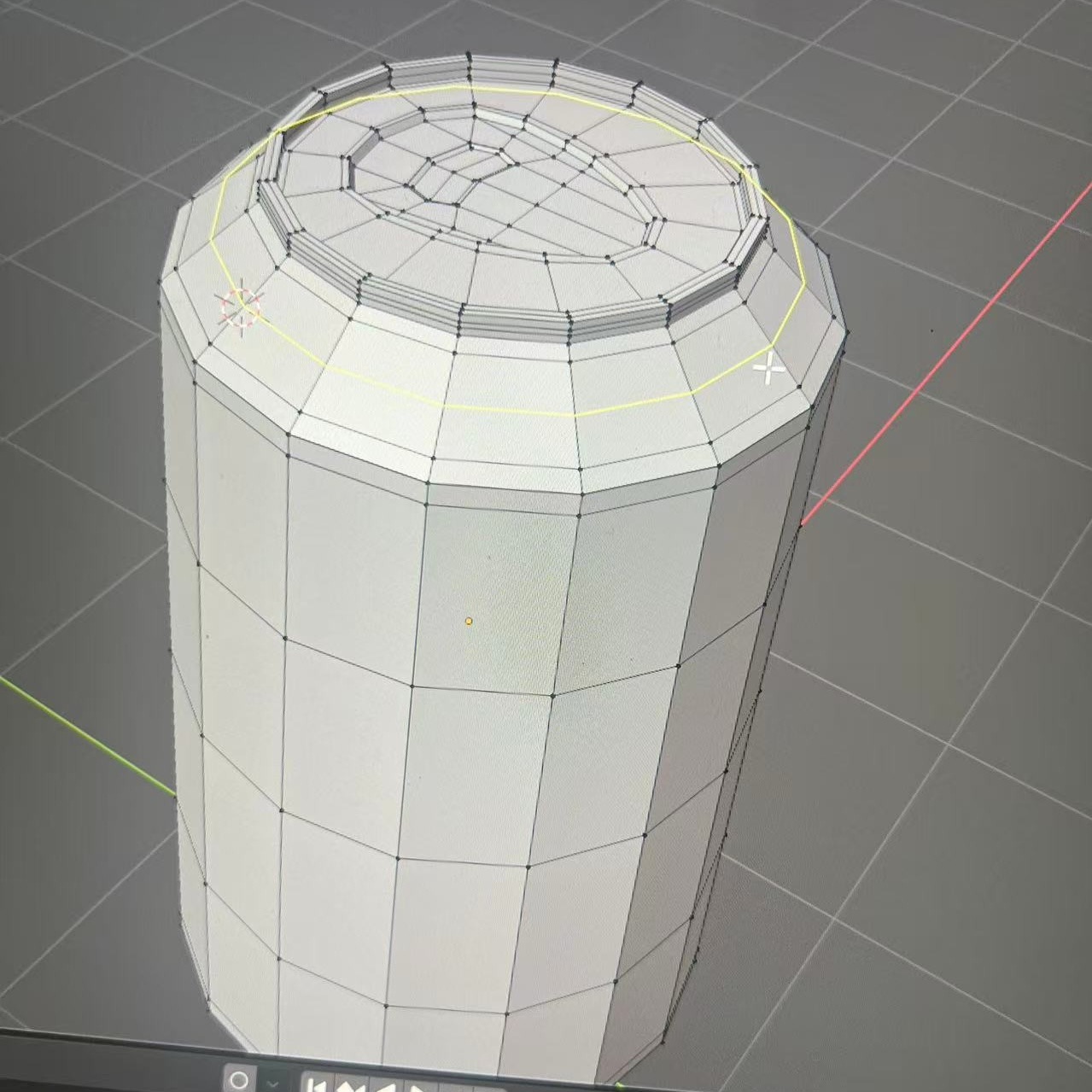
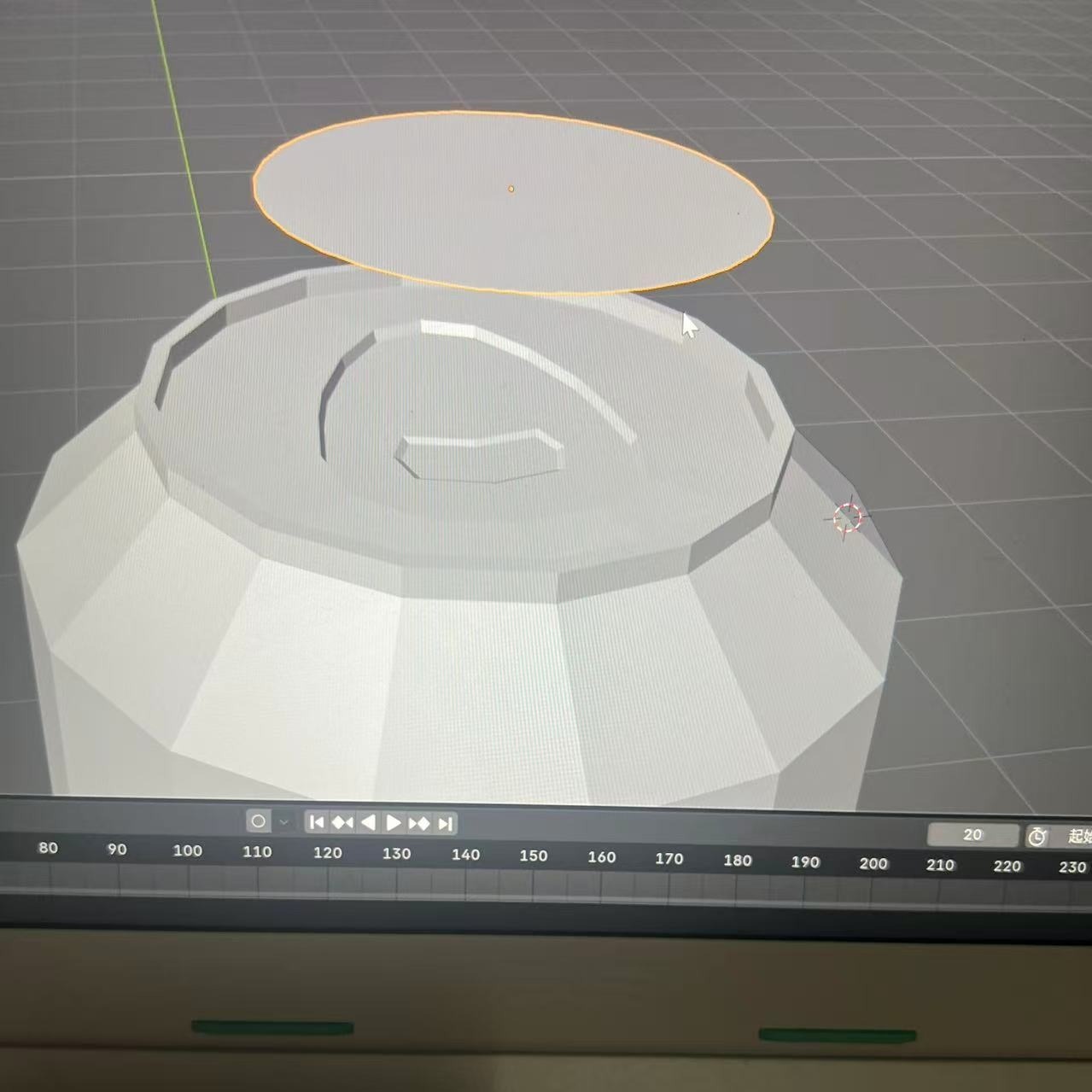
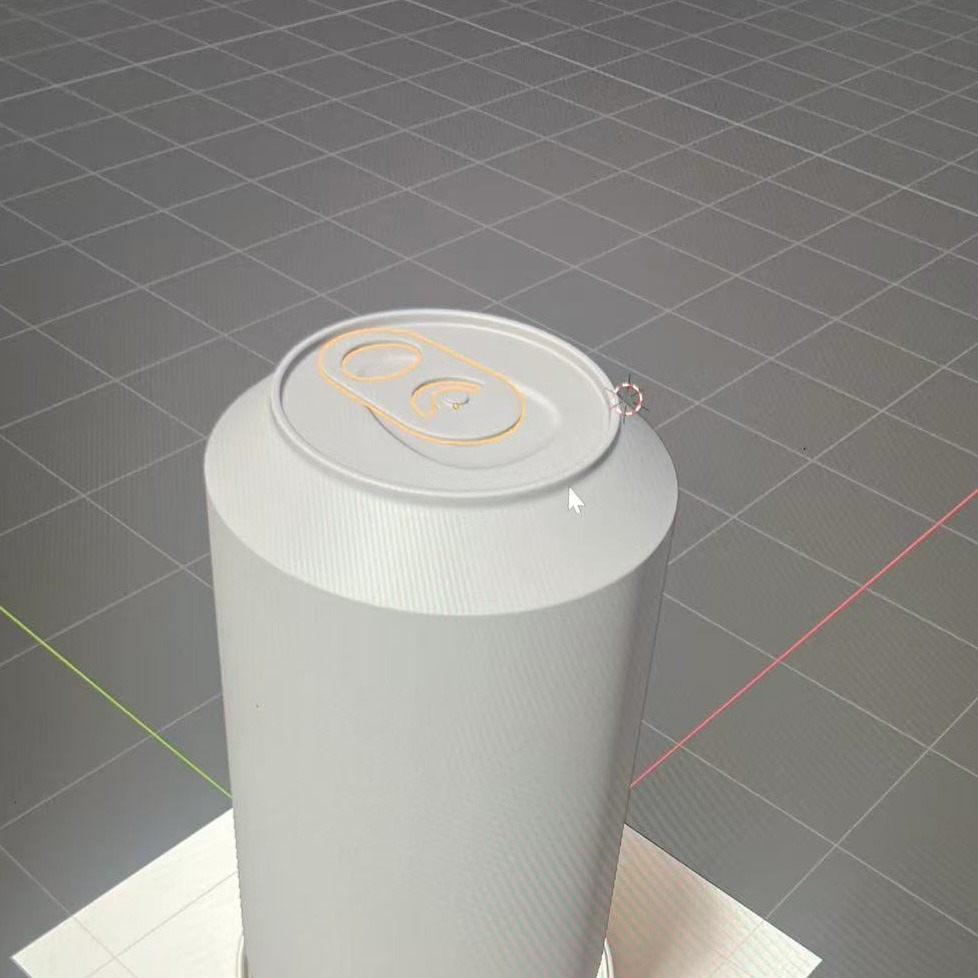
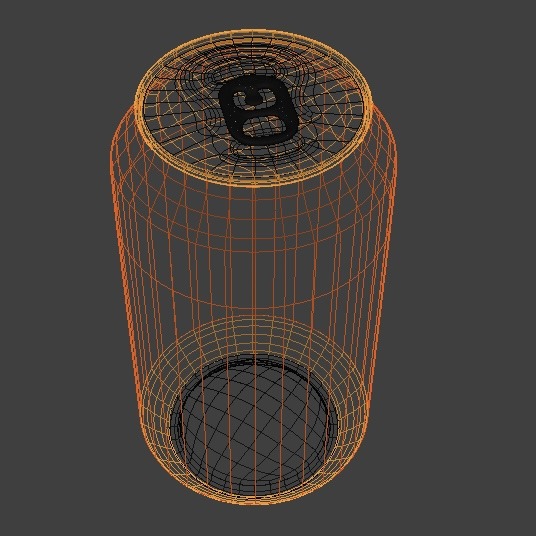
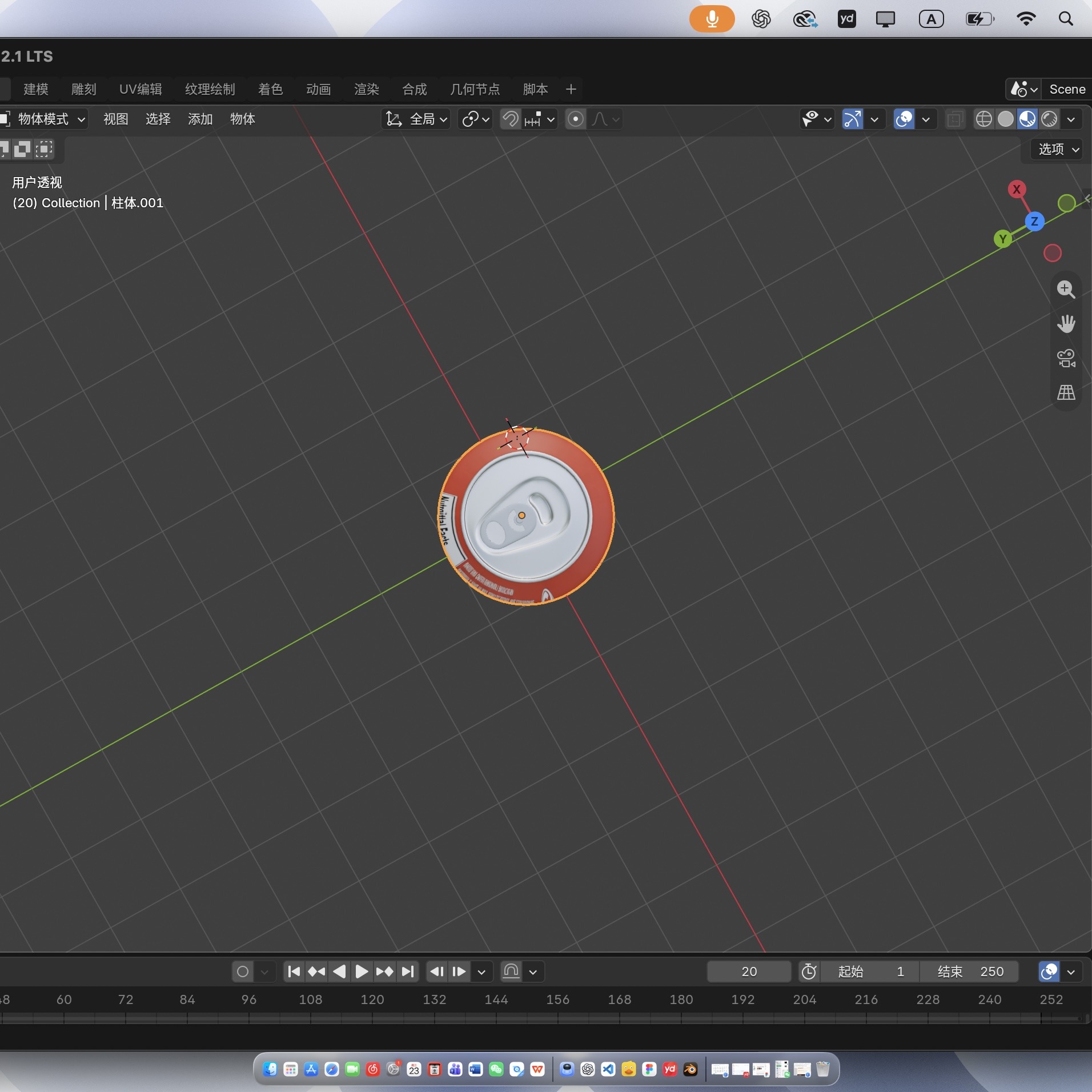
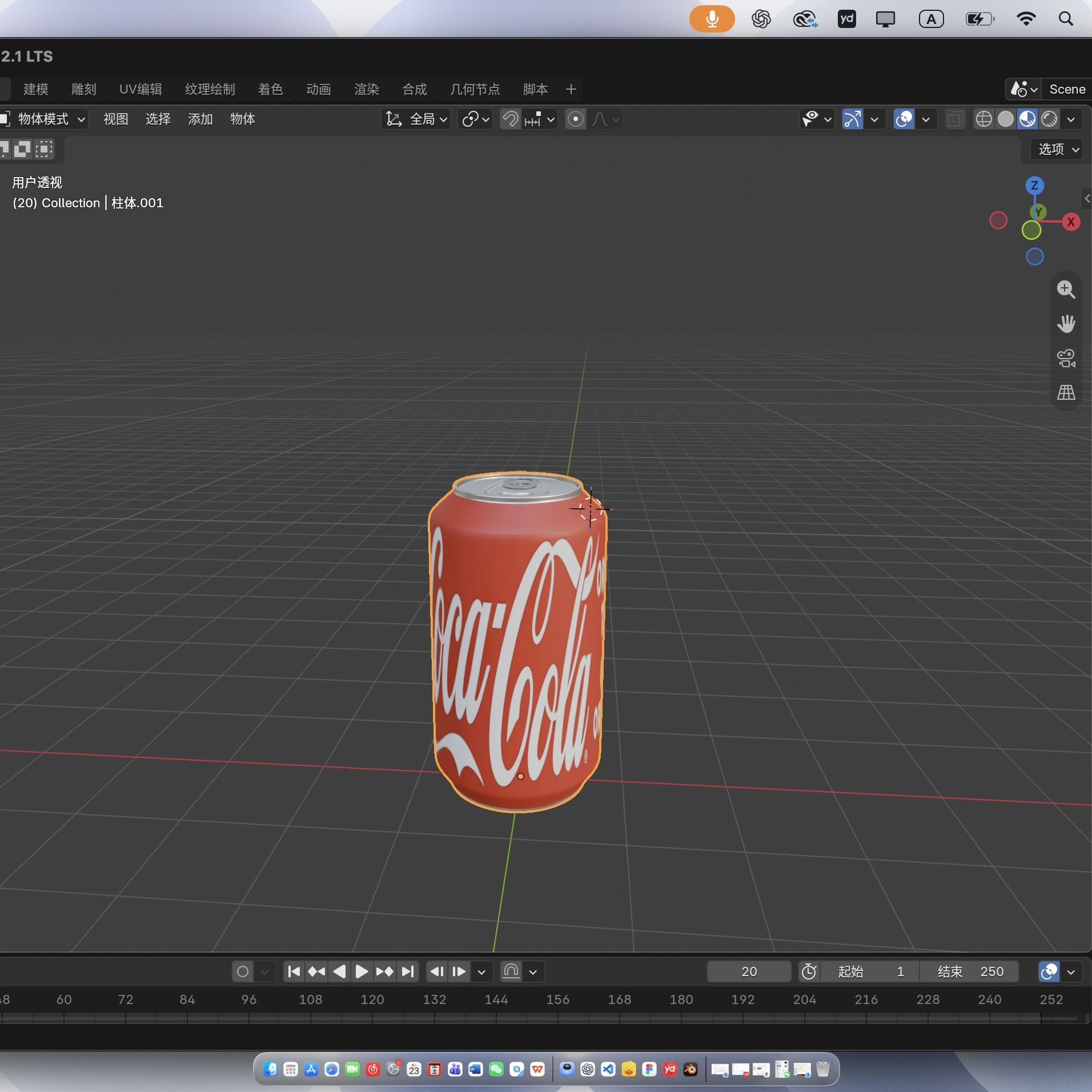
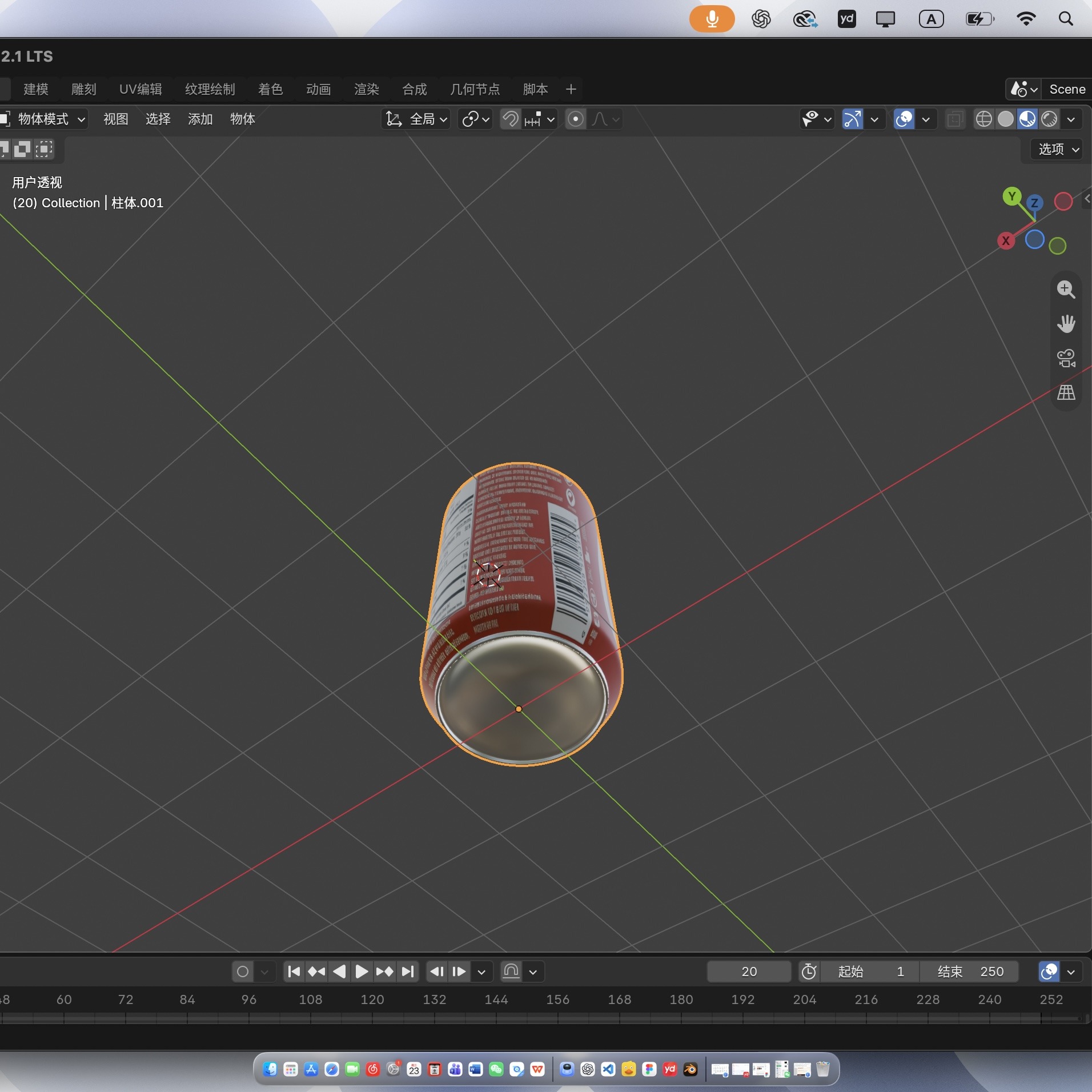
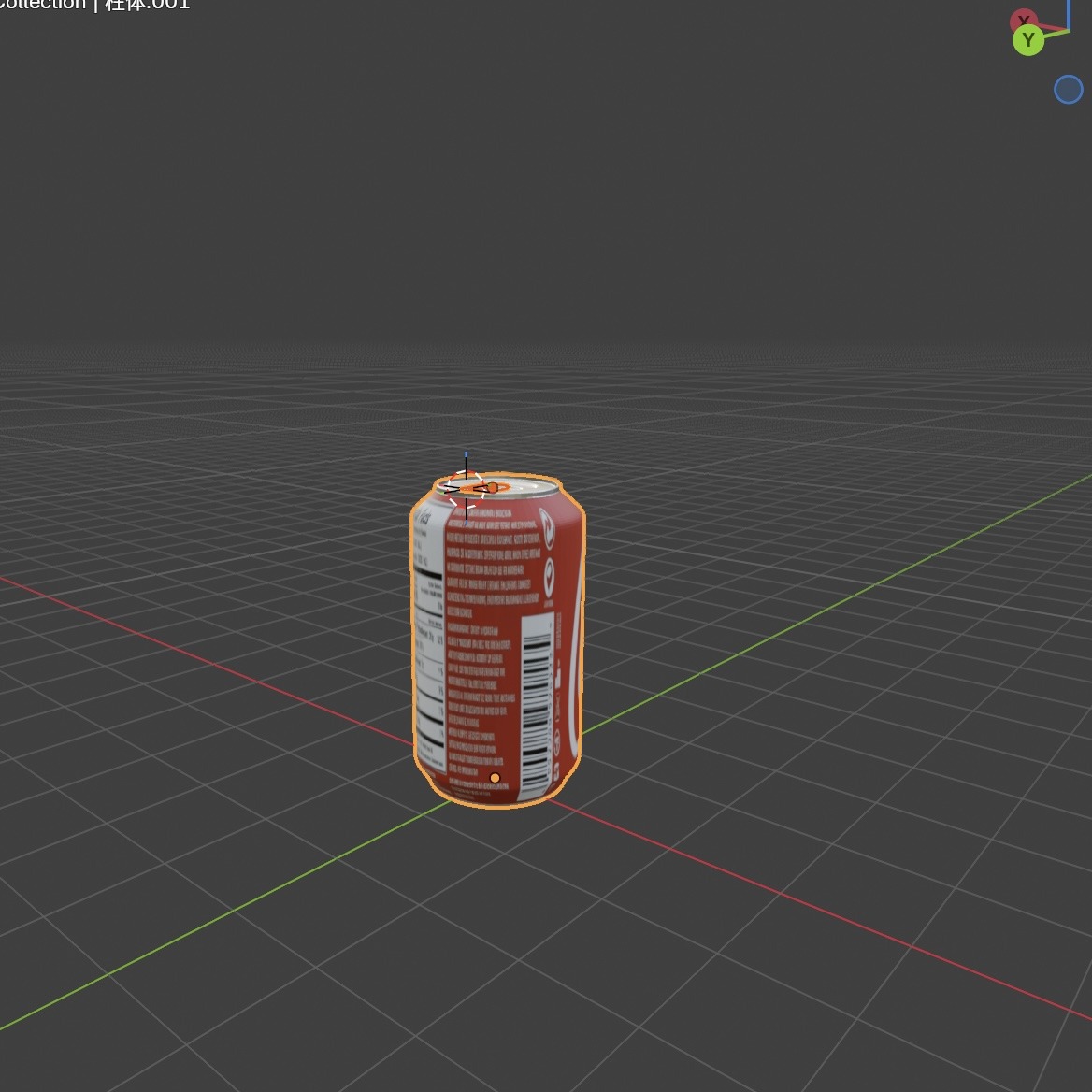
For Design Challenge 2, I modelled a Coca-Cola can in Blender. I started with a cylindrical body and used reference images to shape the shoulder, recessed base, rim, and pull-tab opening. I then applied the red Coca-Cola graphic and checked the model from different angles. The 25 images below document that progression.
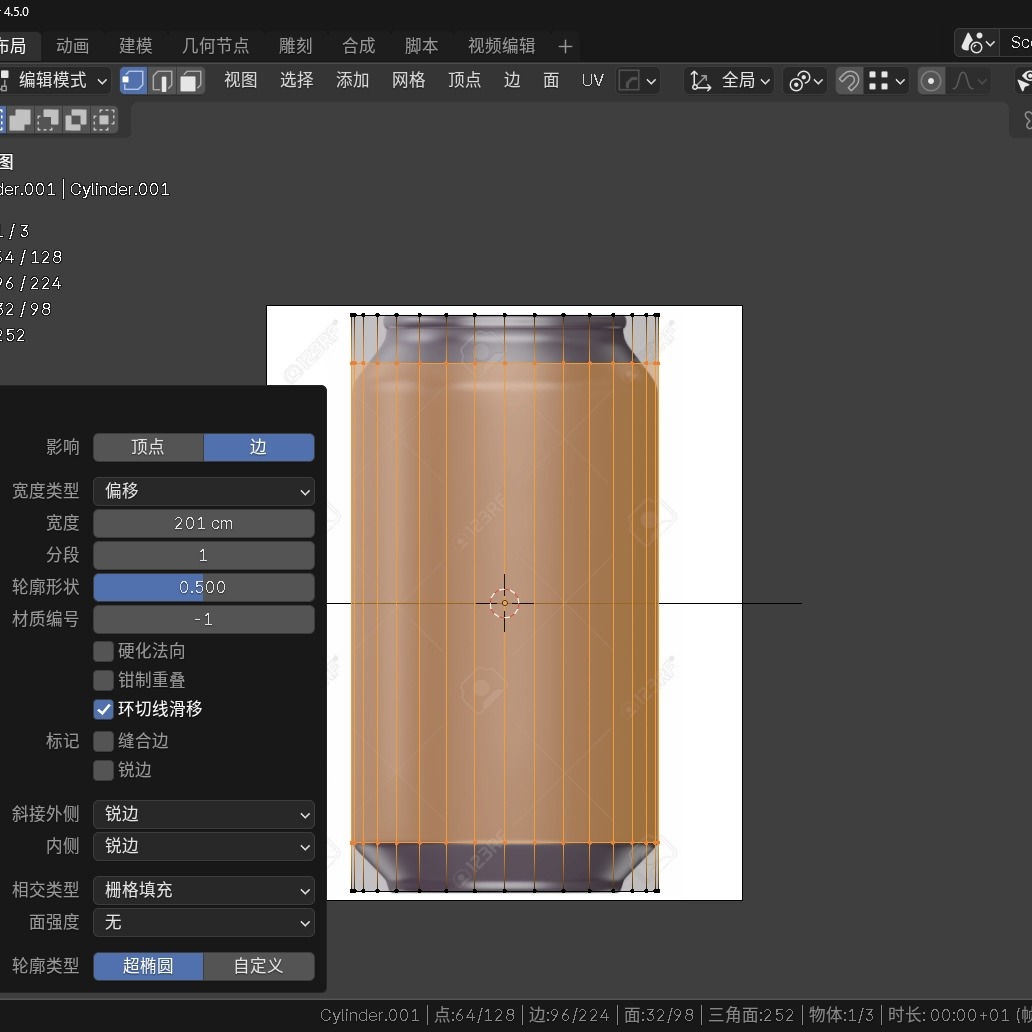
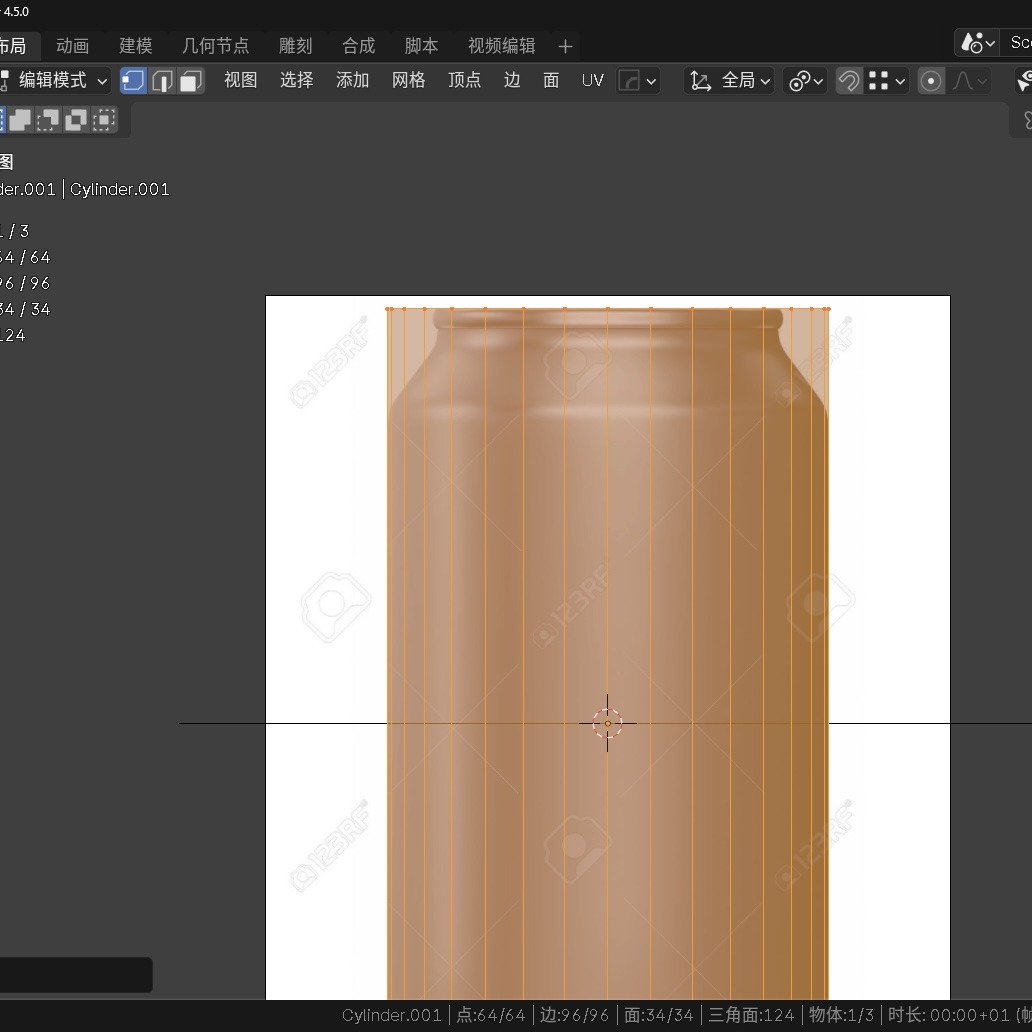
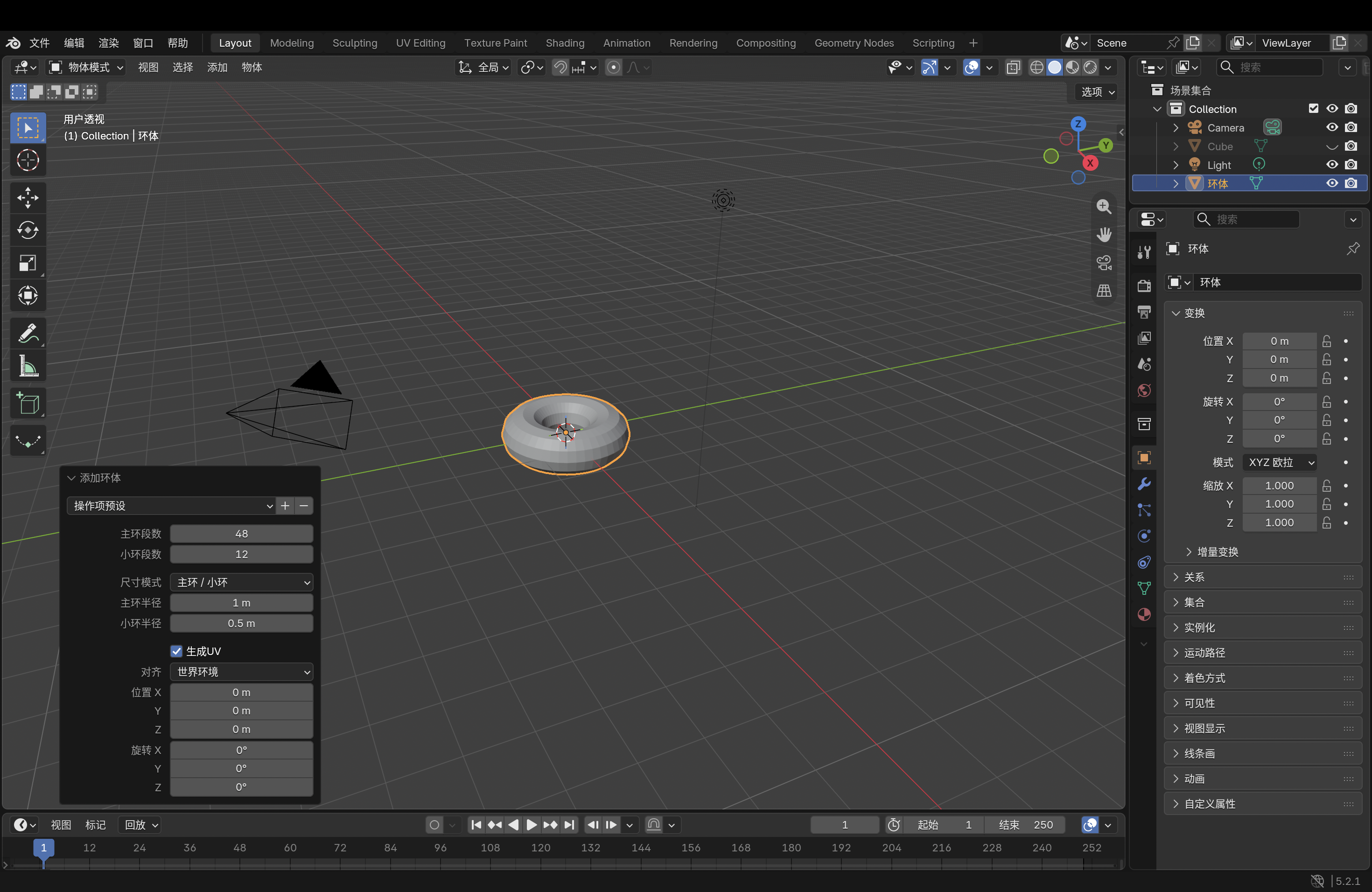
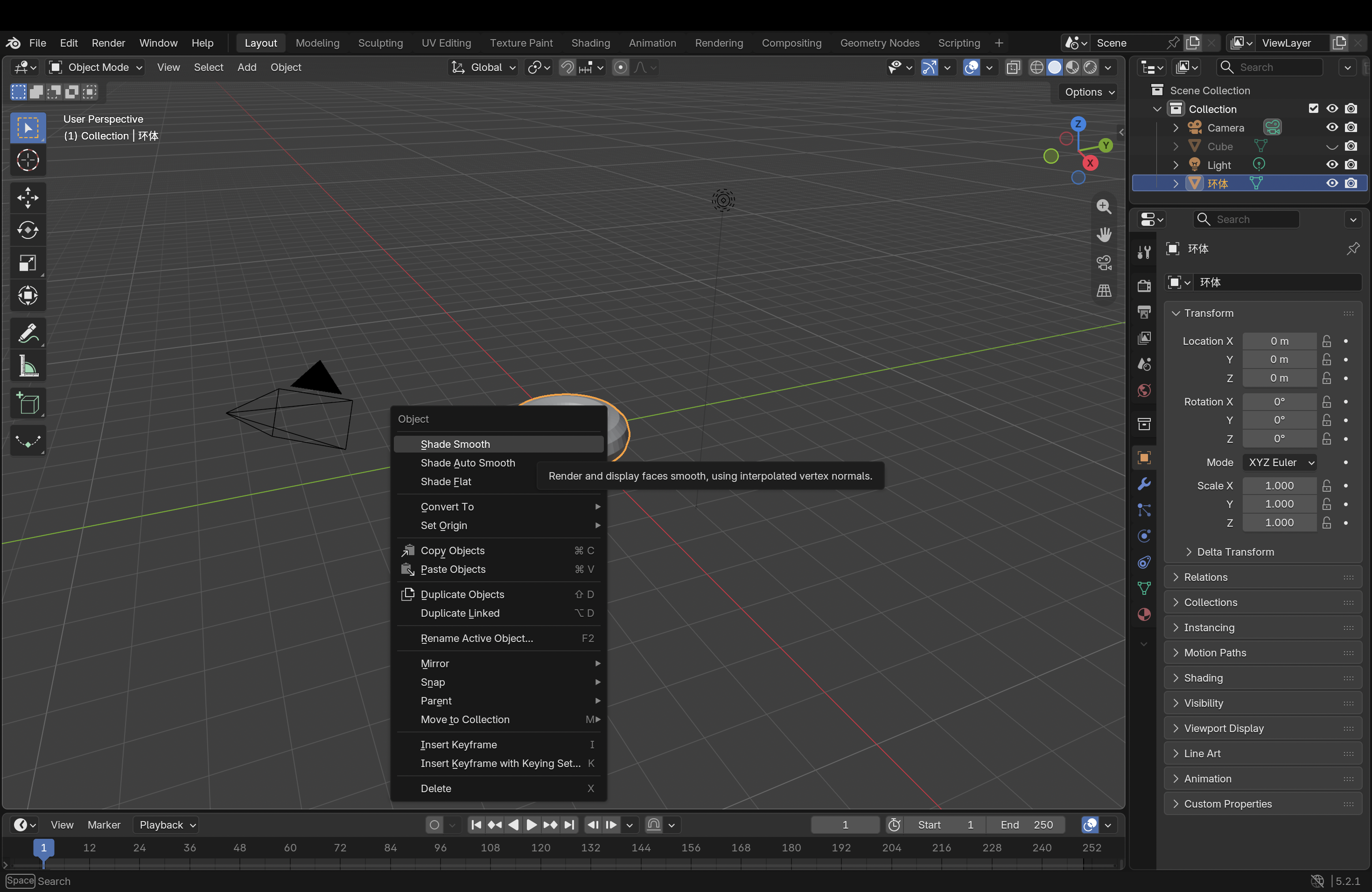
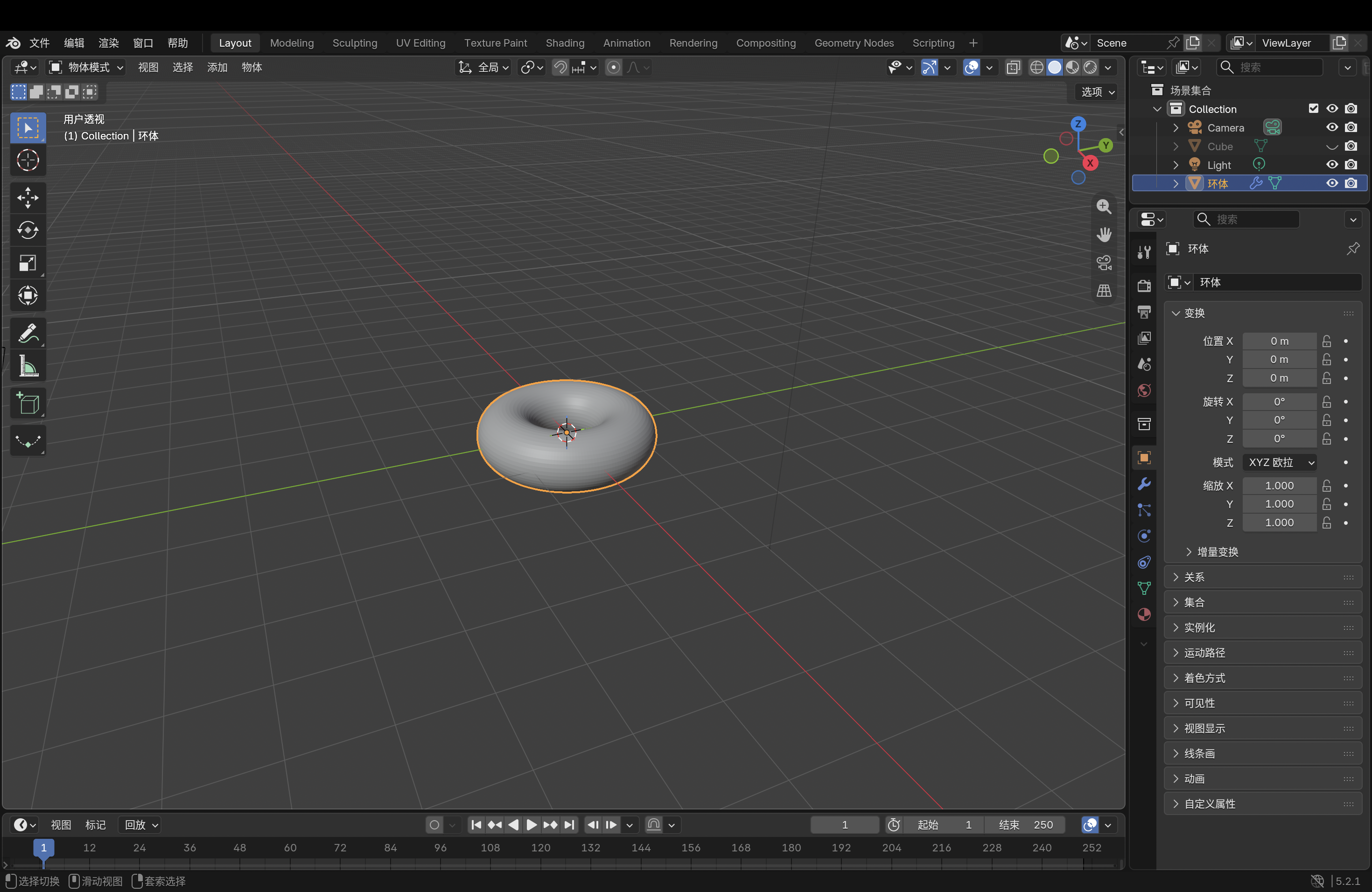
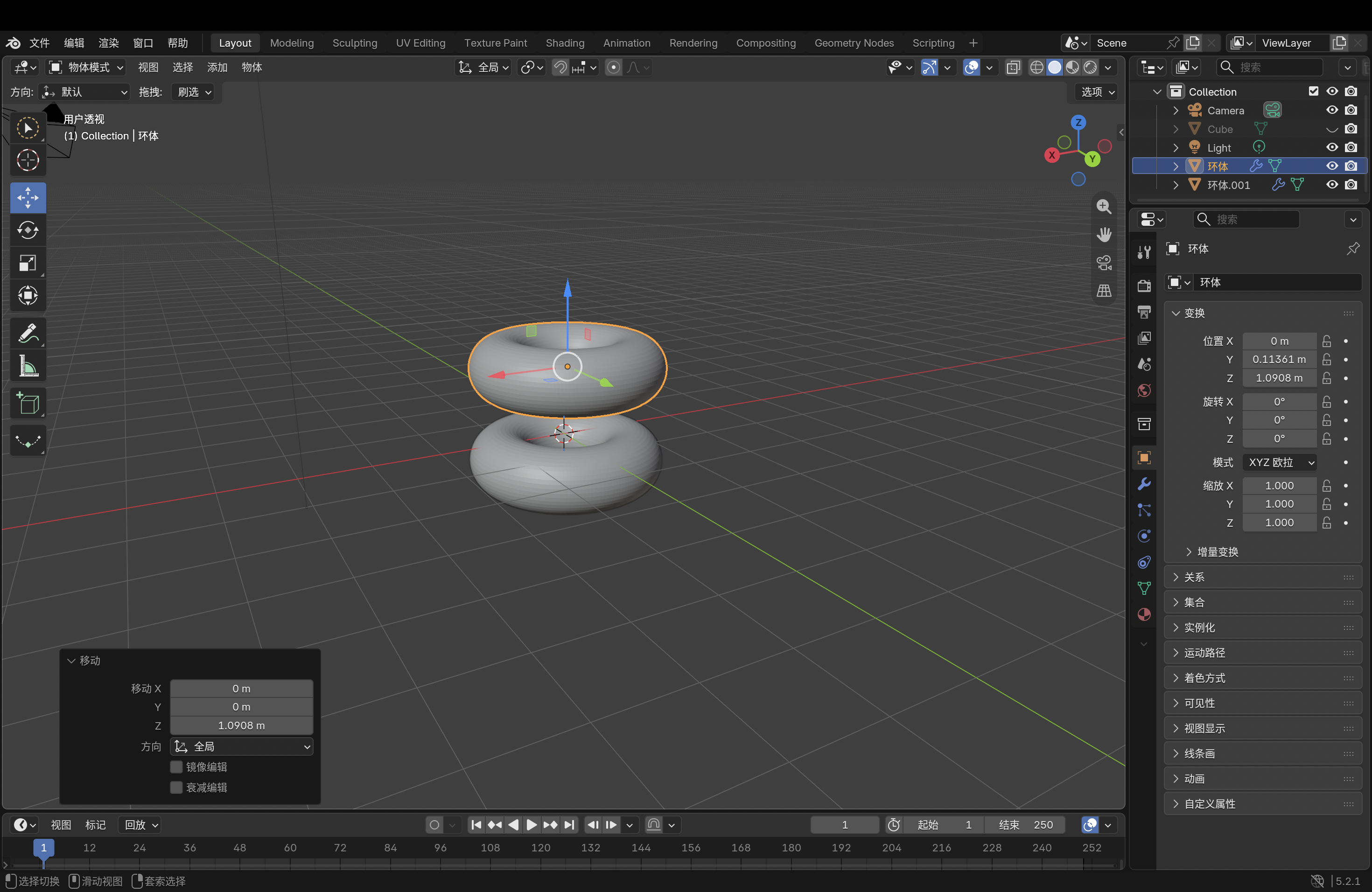
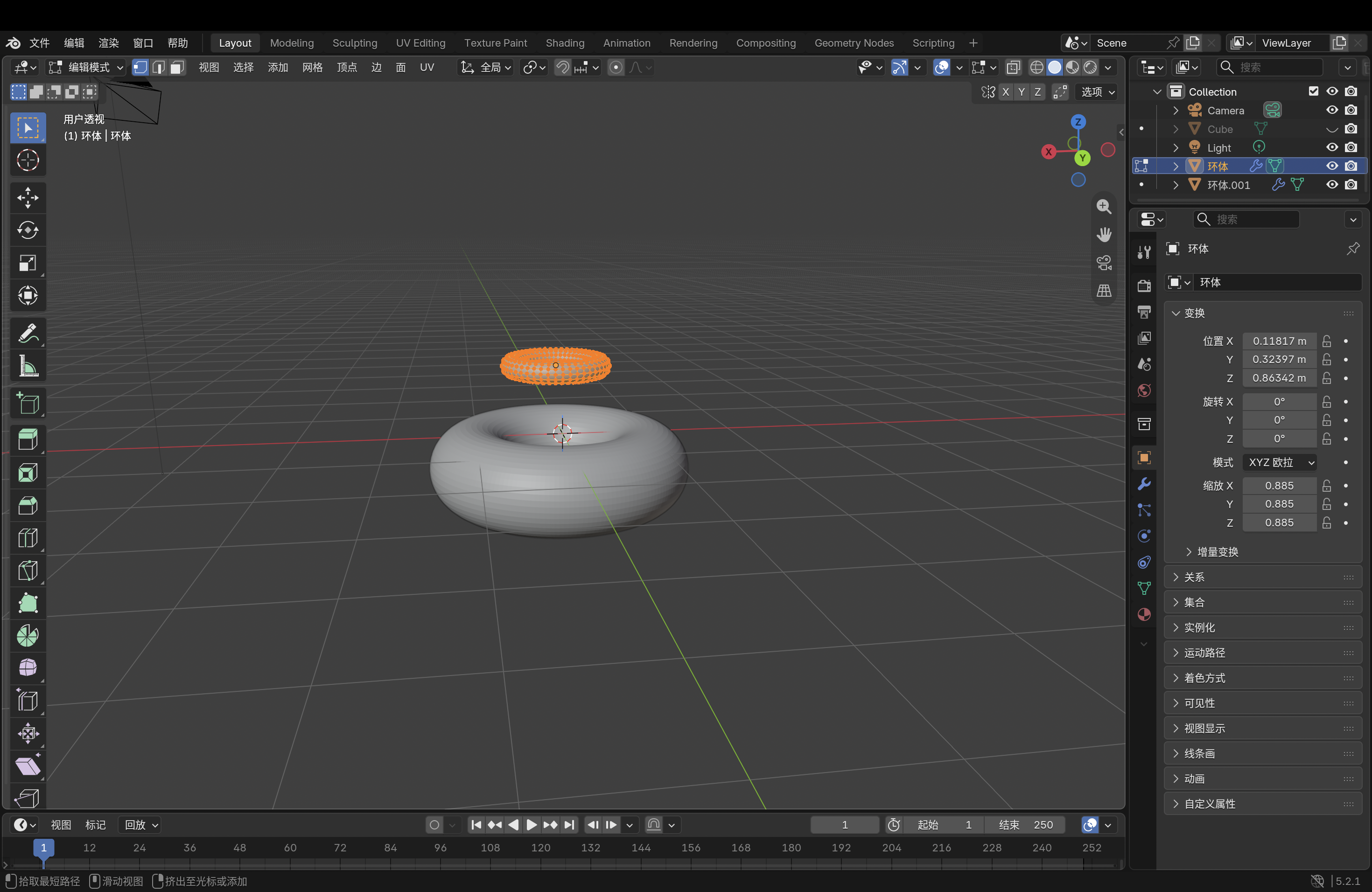
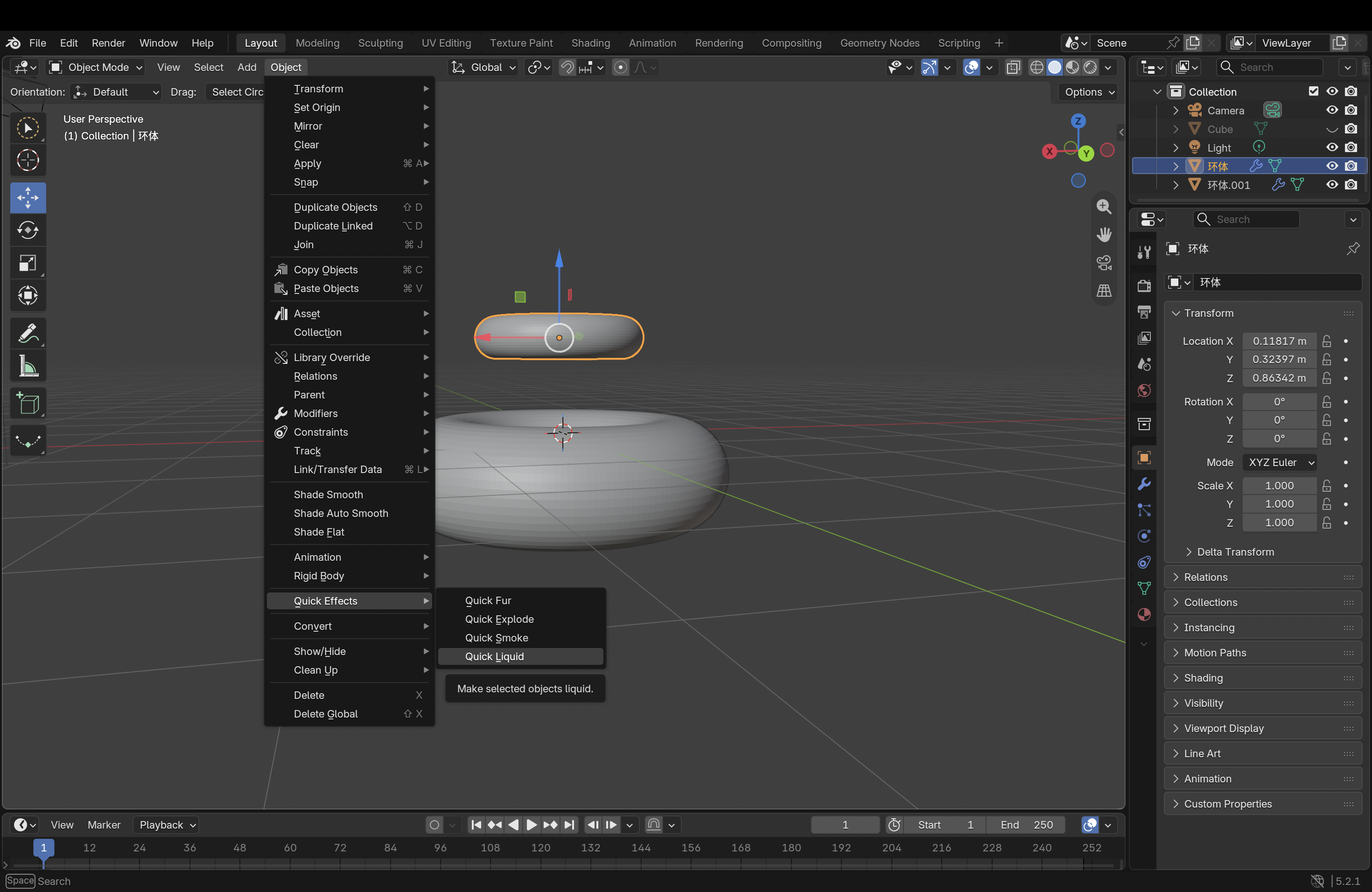
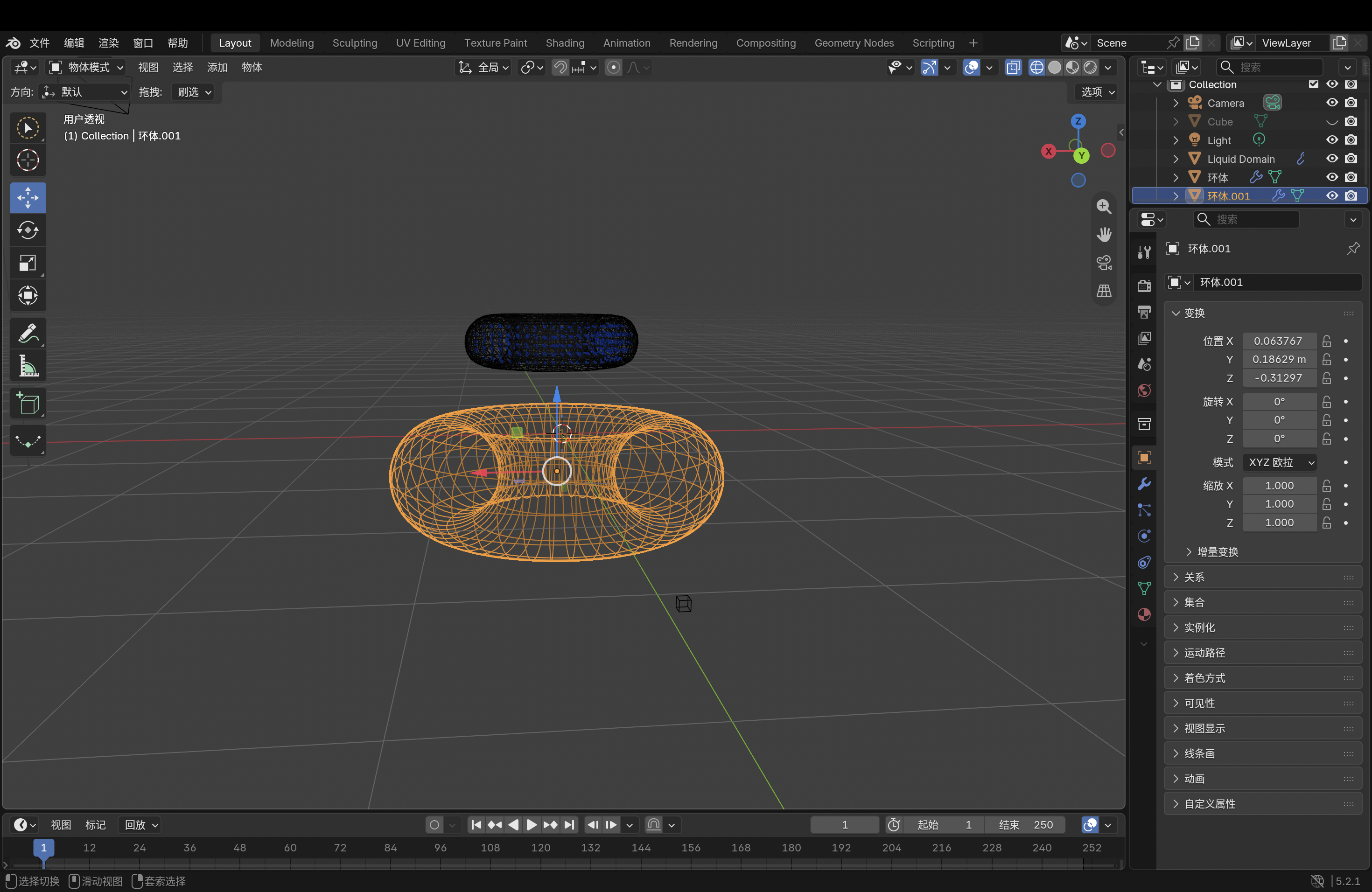
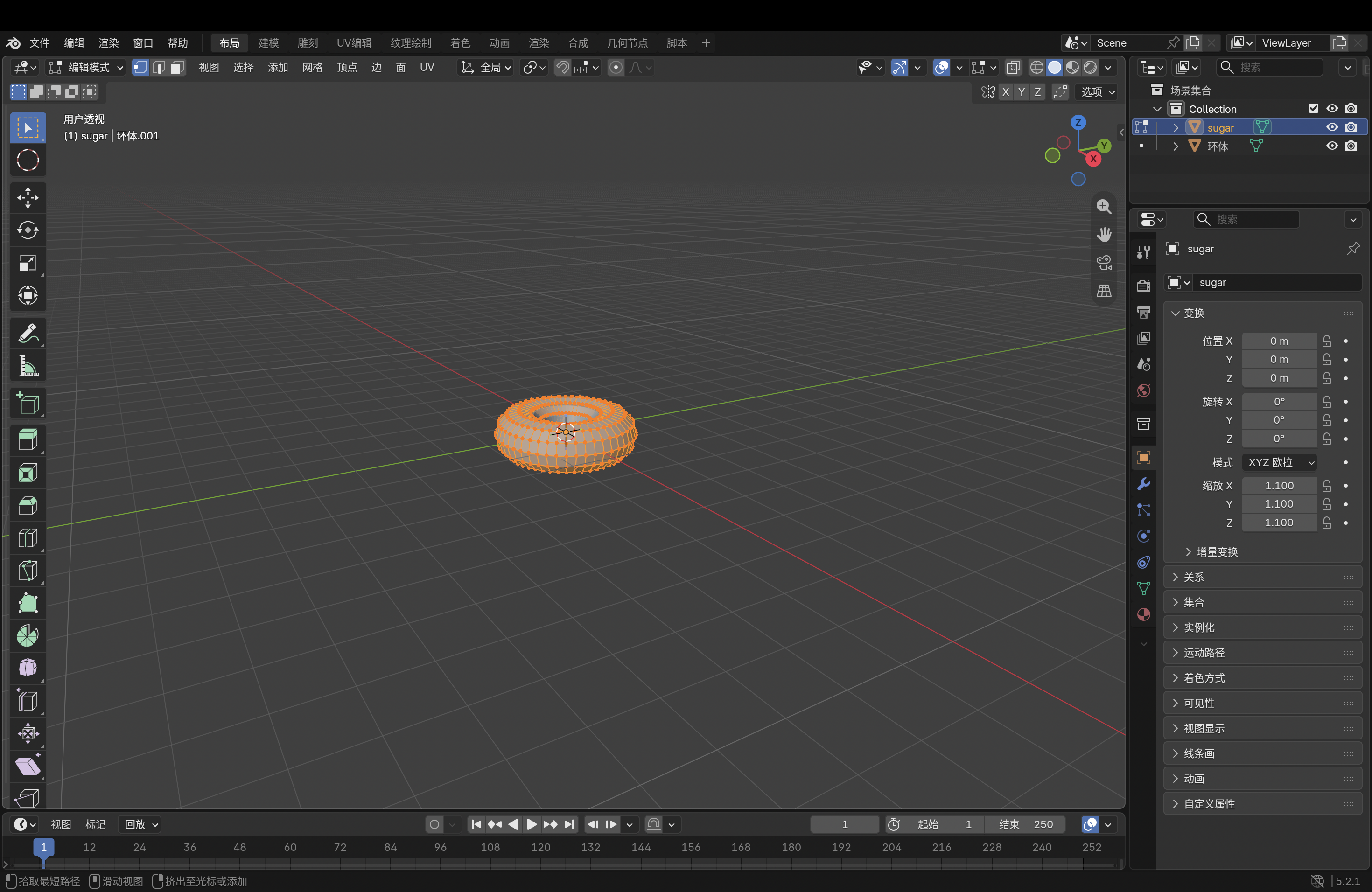
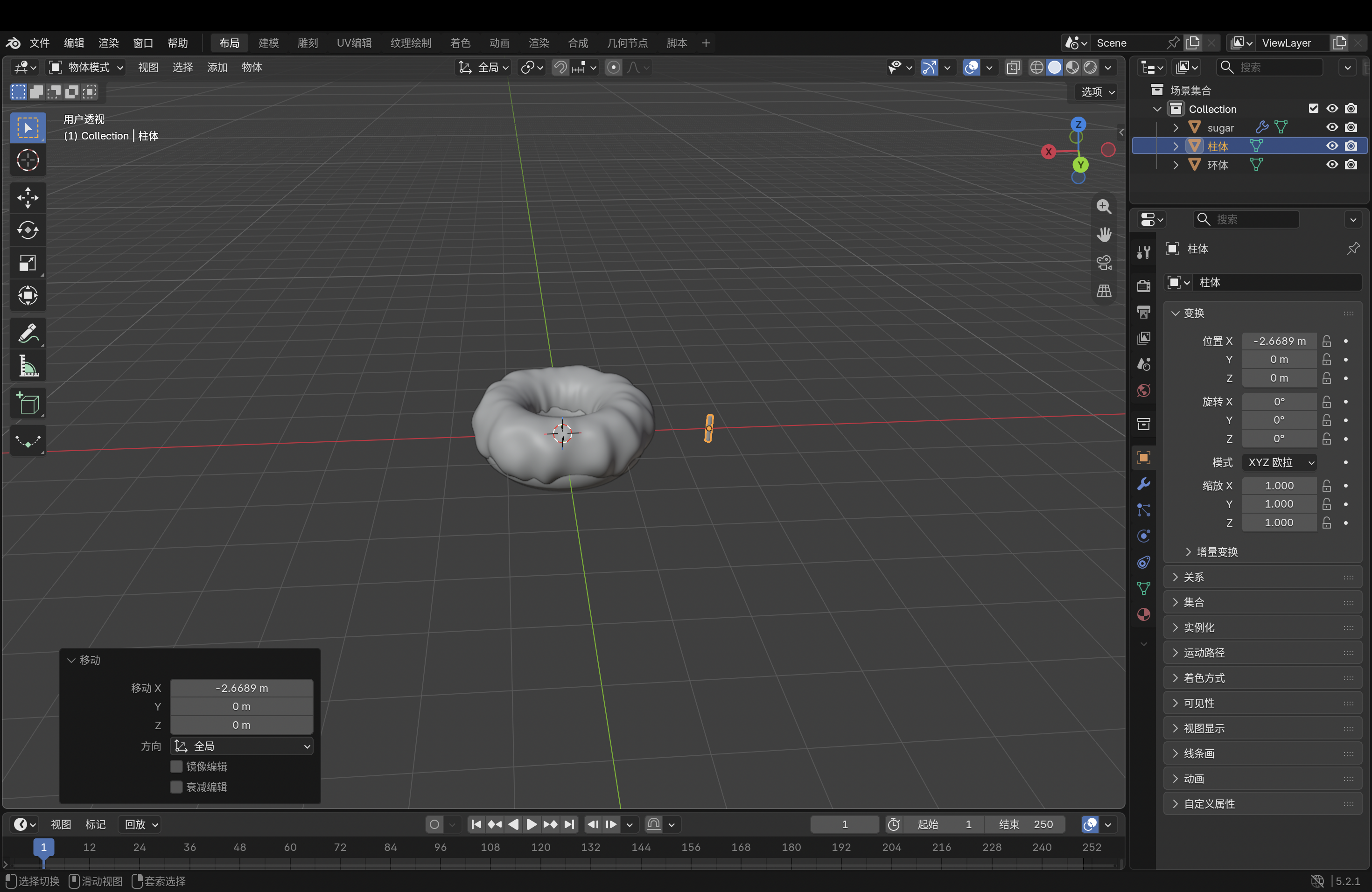
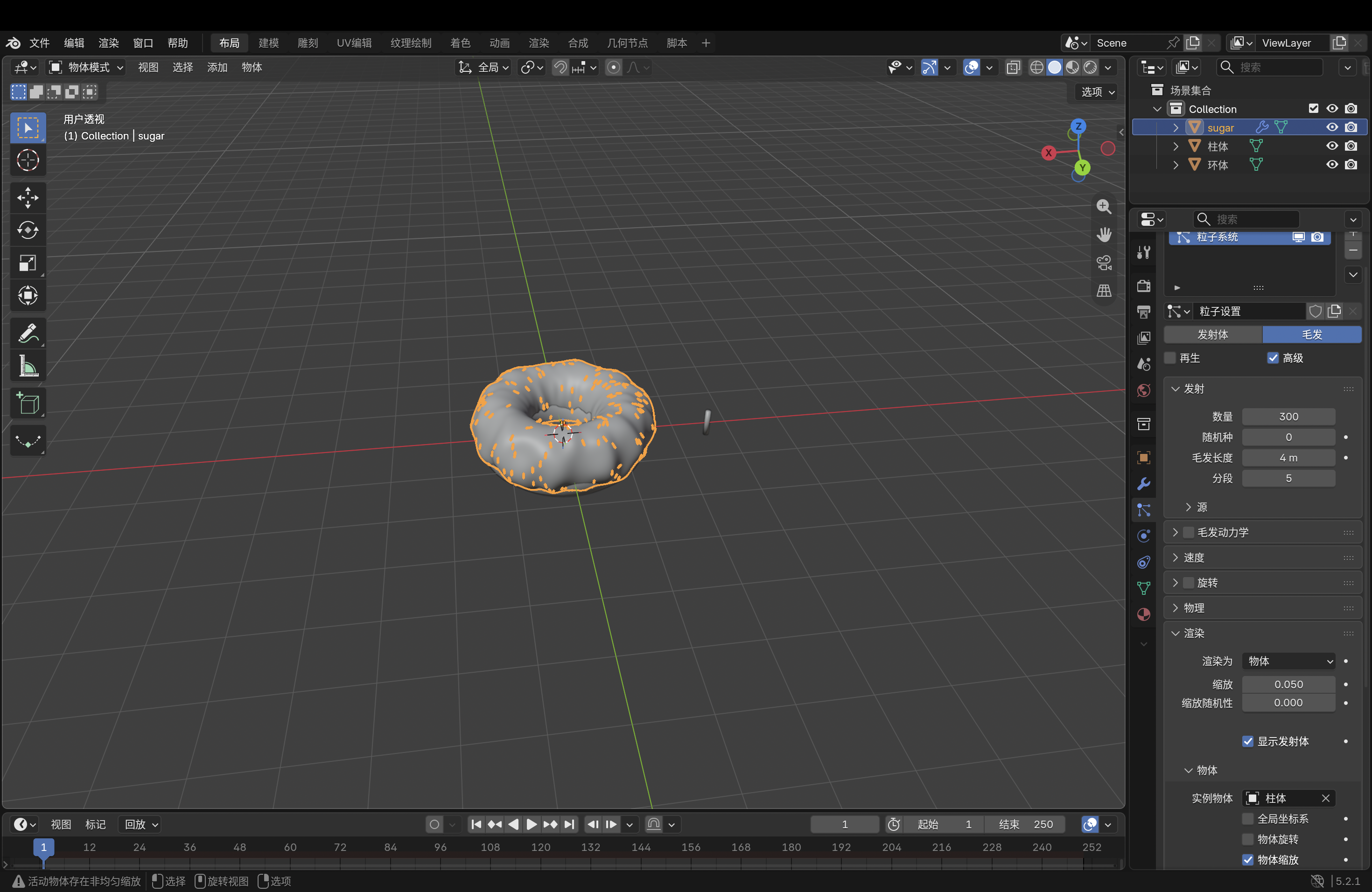
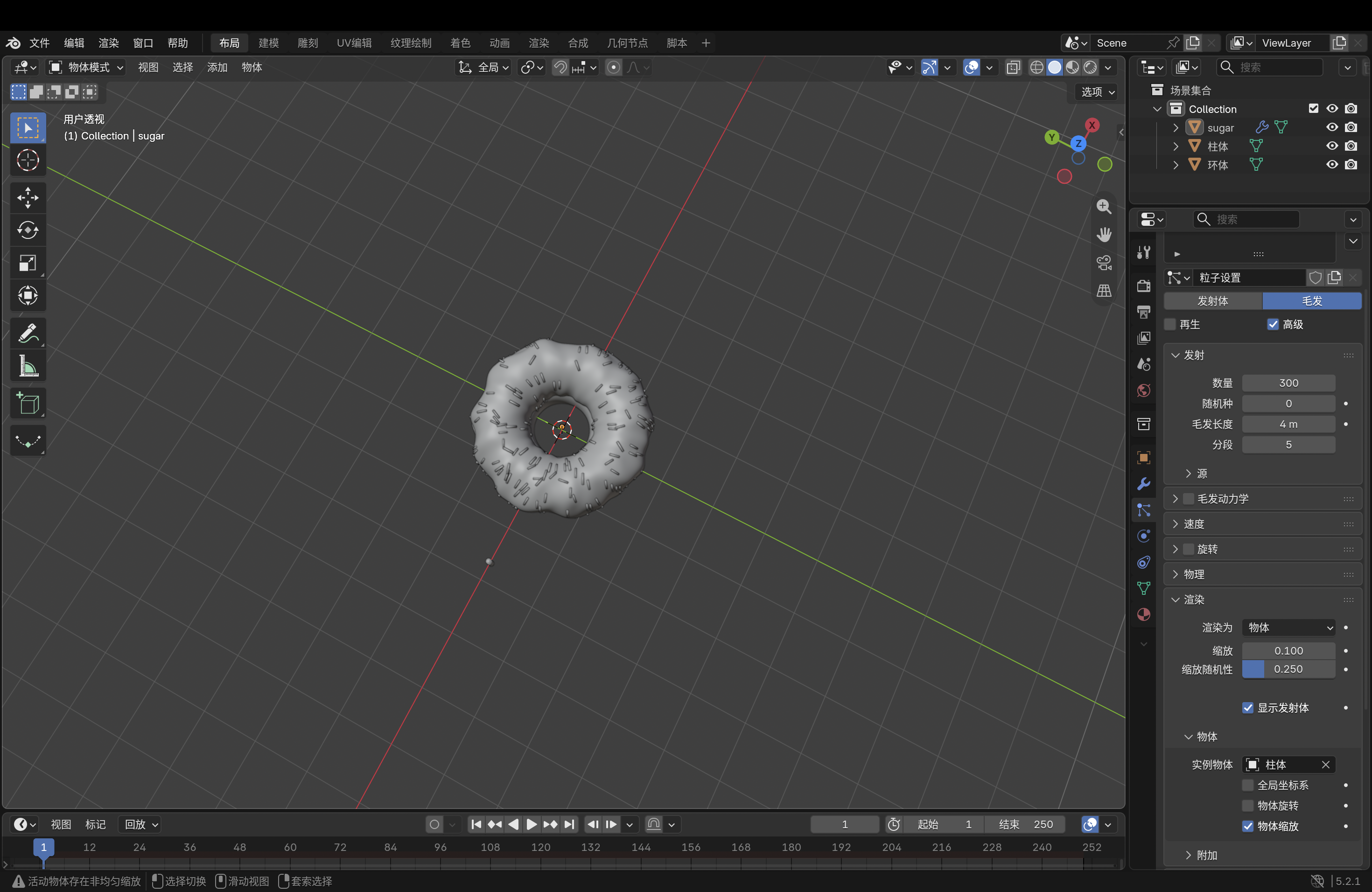
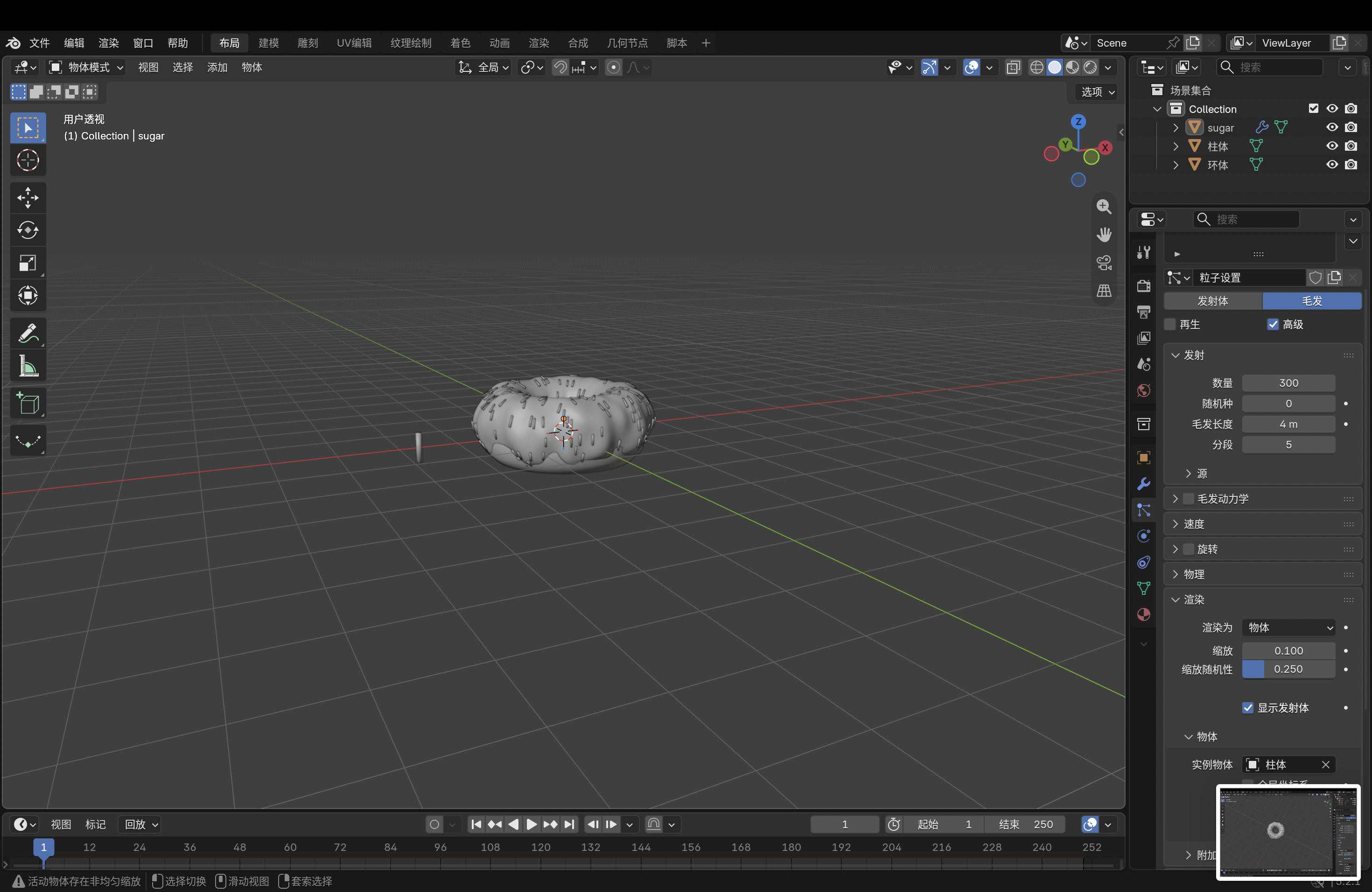
A can reference image is displayed beside the starting cylindrical shape. A closer view of the reference helps establish the can body proportions. The upper shoulder and narrow rim are shaped to match the reference. A close-up shows the edge loops around the can shoulder. The can shoulder is compared with the red reference image. The basic can body is shown as a simple faceted cylinder. An underside view shows the recessed base and supporting edge loops. The top of the cylinder is inset to form the opening for the rim. A top-view reference shows the ring, tab, and drinking opening. The tab opening is blocked out on the can top. The outline of the drinking opening is refined. A closer view shows the raised area around the can opening. Top view shows the pull-tab opening within the circular rim. The can-top geometry is checked against the photo reference. The top surface is shaped with concentric loops and an inset opening. Additional mesh detail defines the center and opening of the can top. A top-down wireframe view checks the body and top geometry together. The raised rim and central opening are refined on the can body. A separate circular piece is positioned over the can top. The assembled can top is shown on the full body. Wireframe view reveals the complete can mesh and its edge loops. An overhead view checks the circular top and tab shape. The red Coca-Cola graphic is applied to the can body. An angled view checks how the label wraps around the can. The completed can is shown from the back with the label details visible.

Material Workshop 1
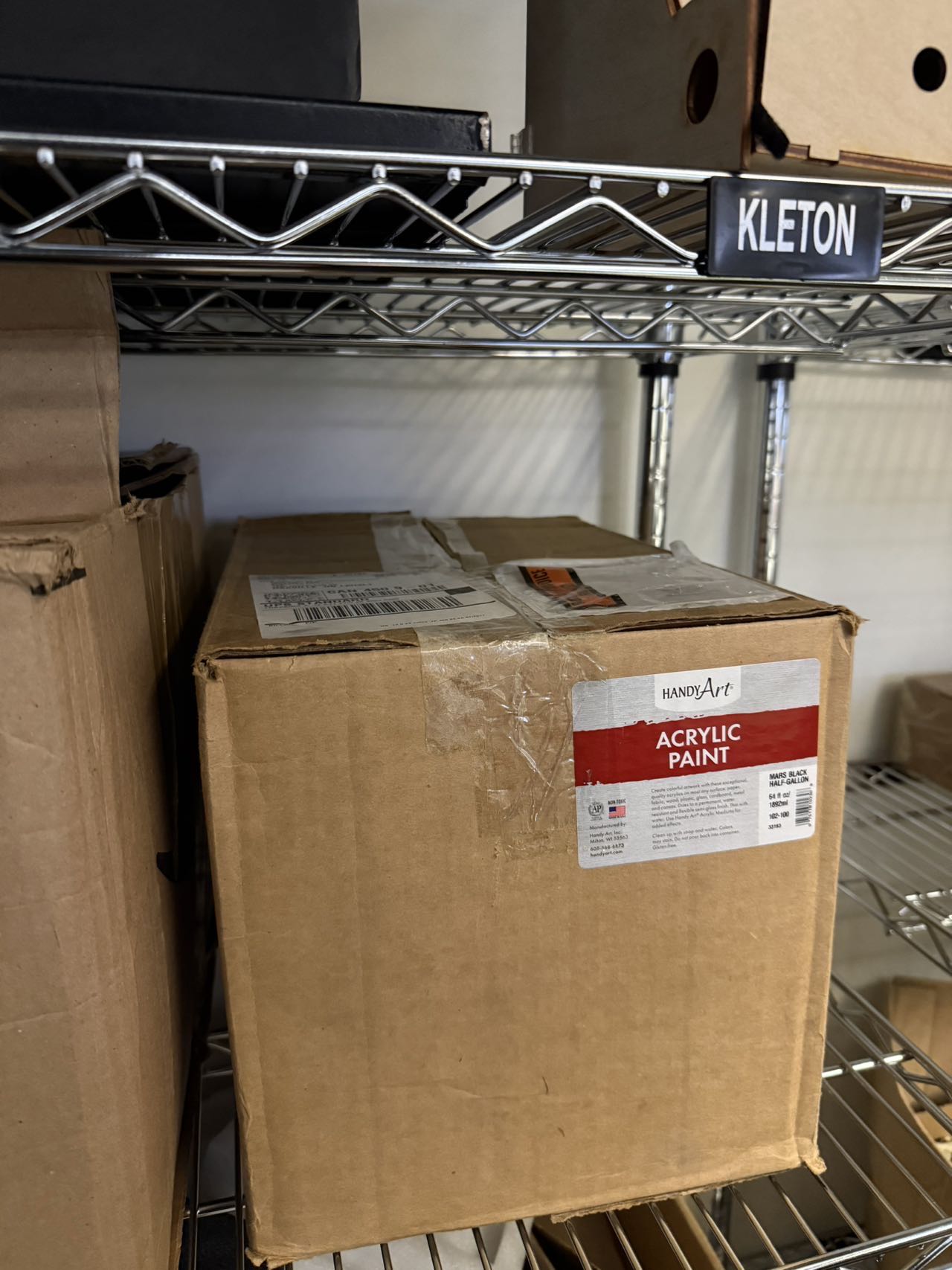
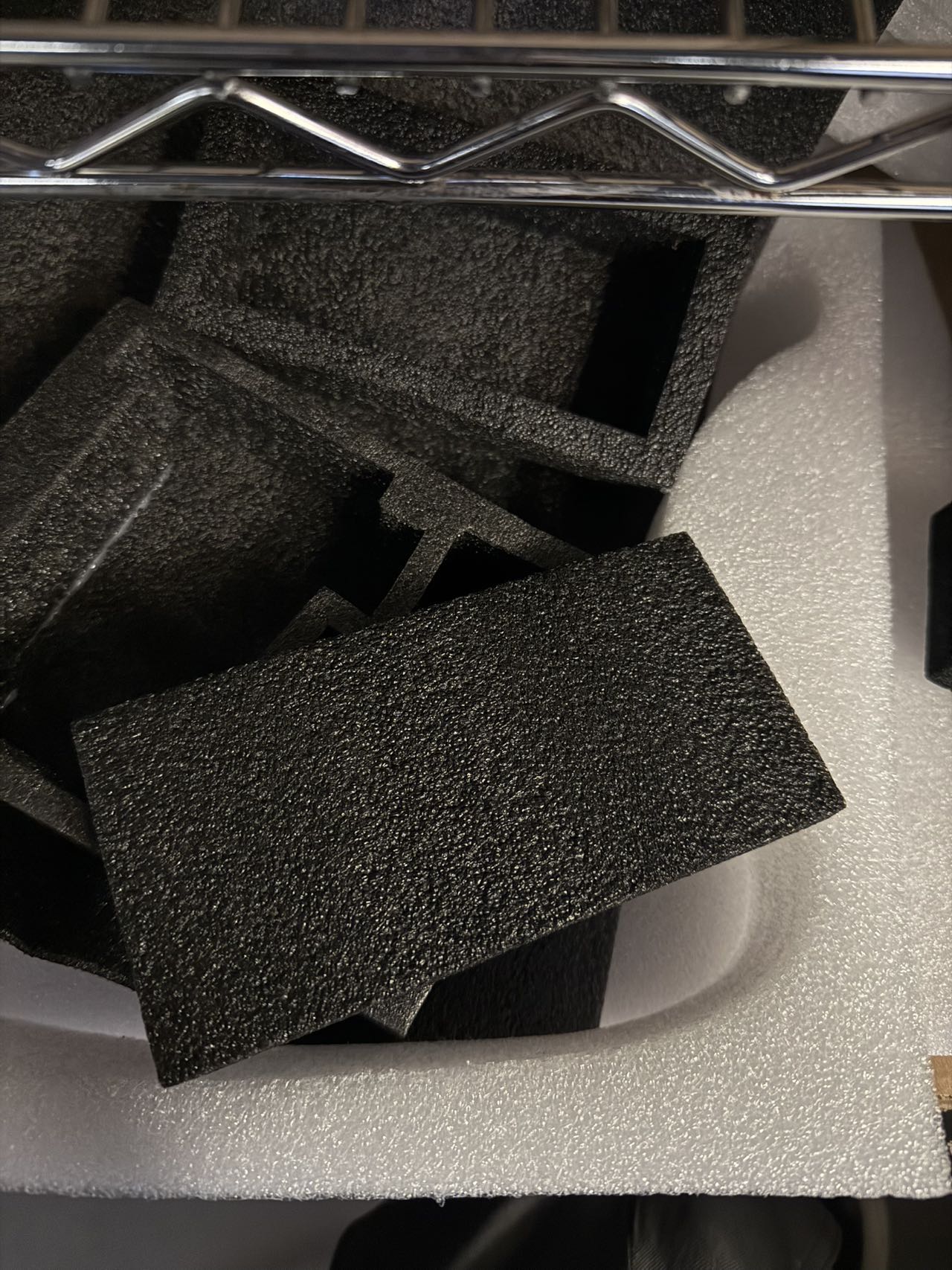
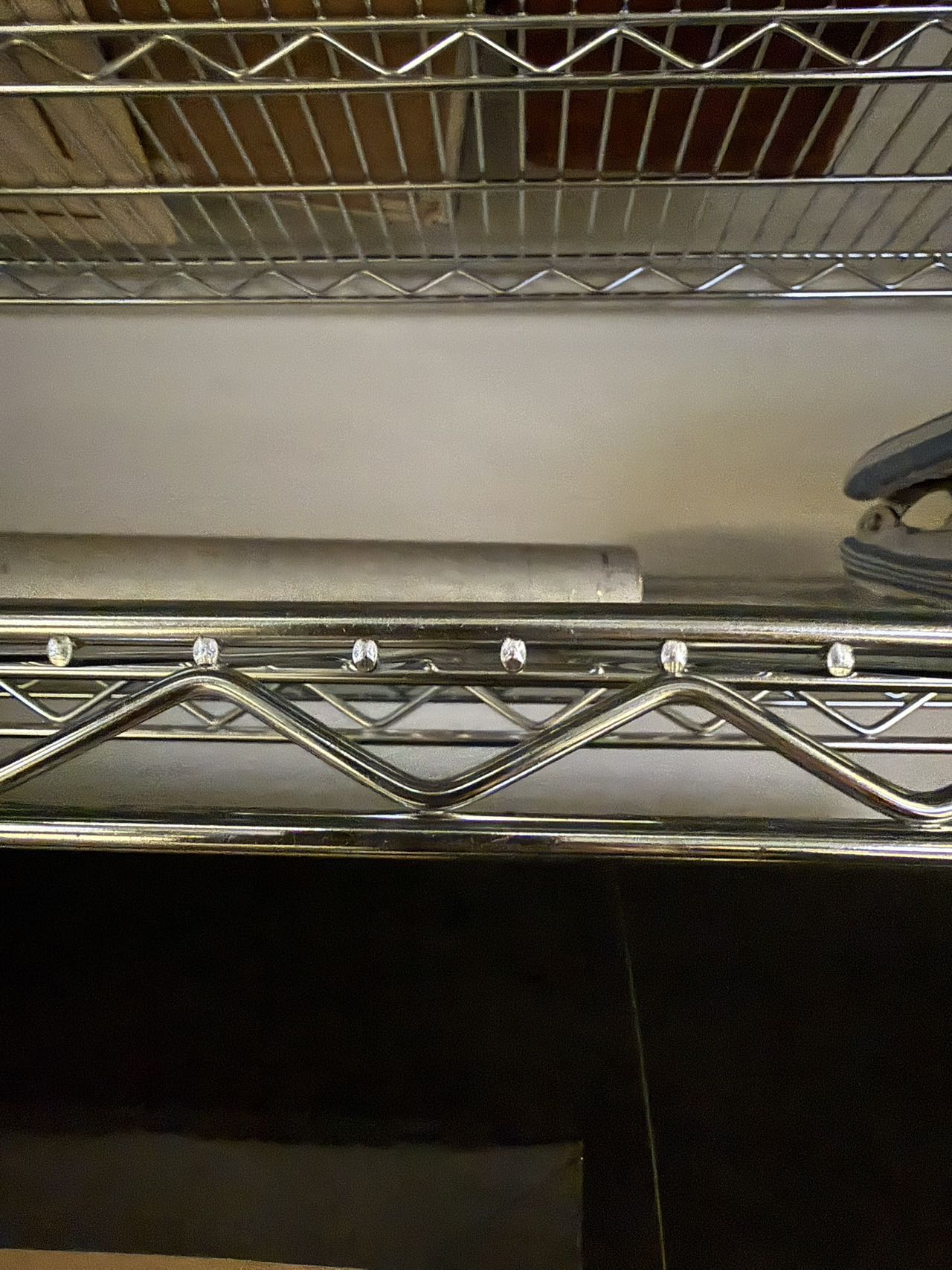
Acrylic paint box on the materials shelf Black textured foam sheets and white foam Metal wire shelving material reference

Material Workshop 2

put a description here or you will lose grades <a href='https://www.youtube.com/embed/tgbNymZ7vqY' target='_blank'><p>Project Video Link</p></a> put a description here or you will lose grades <div class='container'><iframe class='responsive-iframe' src='https://www.youtube.com/embed/tgbNymZ7vqY'></iframe></div> put a description here or you will lose grades

Project 1


Project 1 Models

Published 3D Model 1

PLACEHOLDER TEXT, put a description here or you will lose grades

put a description here or you will lose grades <div class='container'><iframe class='responsive-iframe' src='https://hudak.phoenix.sheridanc.on.ca/P1Stuff/Index.html'></iframe></div>

Published 3D Model 2

PLACEHOLDER TEXT, put a description here or you will lose grades

put a description here or you will lose grades <div class='container'><iframe class='responsive-iframe' src='https://hudak.phoenix.sheridanc.on.ca/P1Stuff/Index.html'></iframe></div>

Published 3D Model 3

PLACEHOLDER TEXT, put a description here or you will lose grades

put a description here or you will lose grades <div class='container'><iframe class='responsive-iframe' src='https://hudak.phoenix.sheridanc.on.ca/P1Stuff/Index.html'></iframe></div>
×

Powered by w3.css